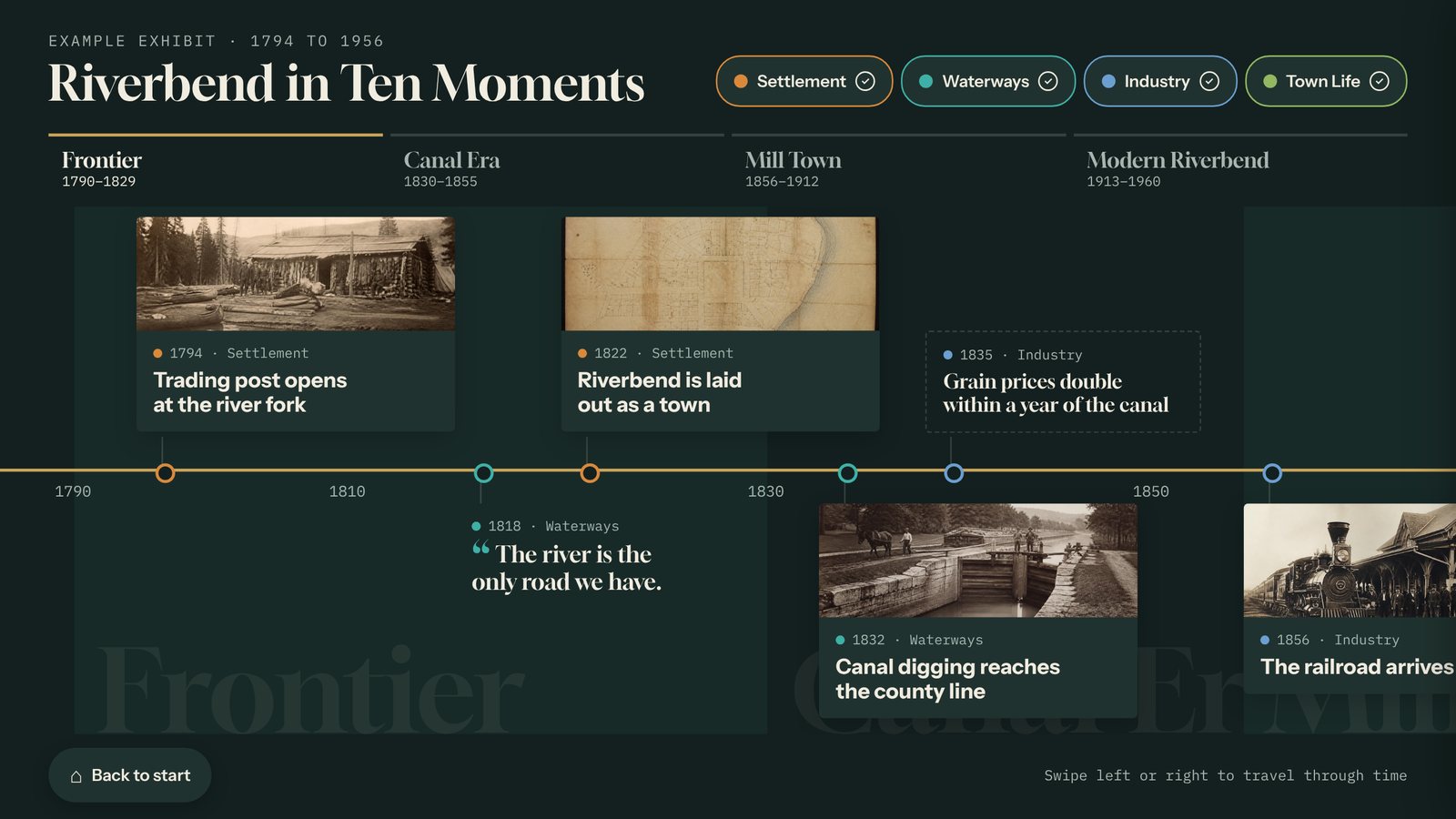
The interactive exhibit your volunteers can build.
A touchscreen timeline, story gallery, or object explorer that you keep adding to, with no developer and no internet required.
In short: Tellcase lets a historical society or small museum build its own interactive touchscreen exhibit without a developer. Volunteers pick a template (a timeline, story gallery, object explorer, honor wall, or quiz), add photos, dates, and stories from a web browser, and publish to a touchscreen kiosk that keeps playing with no internet. It runs on a Mac mini, a Windows PC, or a BrightSign player. Plans start at $49 a month with a 14-day free trial, or Tellcase Lifetime is $7,000 one time for up to 5 kiosks.
1The exhibit opens
You’ve probably seen it happen. The budget comes through, a developer builds a touchscreen for the new gallery, and on opening night it’s the best thing in the room. Kids find their street on the old map. Grandparents find the mill where they worked.
2Then something changes
A visitor points out a wrong date. A family donates a box of photographs. The town marks an anniversary. Each change means an email to the developer, a quote, and a wait. So most changes never get made, and the screen that opened as the best thing in the room slowly becomes the most out of date.
Most touchscreen exhibits are finished the day they are installed. Yours doesn’t have to be.
3The fix is to own the update
With Tellcase, the people who know your history are the ones who keep the exhibit current. A volunteer fixes the date from a phone. The new photographs become new cards that afternoon. You preview every change before it reaches the floor, and the kiosk picks it up on its own, or from a USB stick if the gallery has no Wi-Fi.