
A touchscreen quiz people actually finish.
Multiple-choice trivia, one question at a time. Visitors see right or wrong instantly with a short explanation, then get their score. At a booth, add an "Enter to win" form on the score screen.
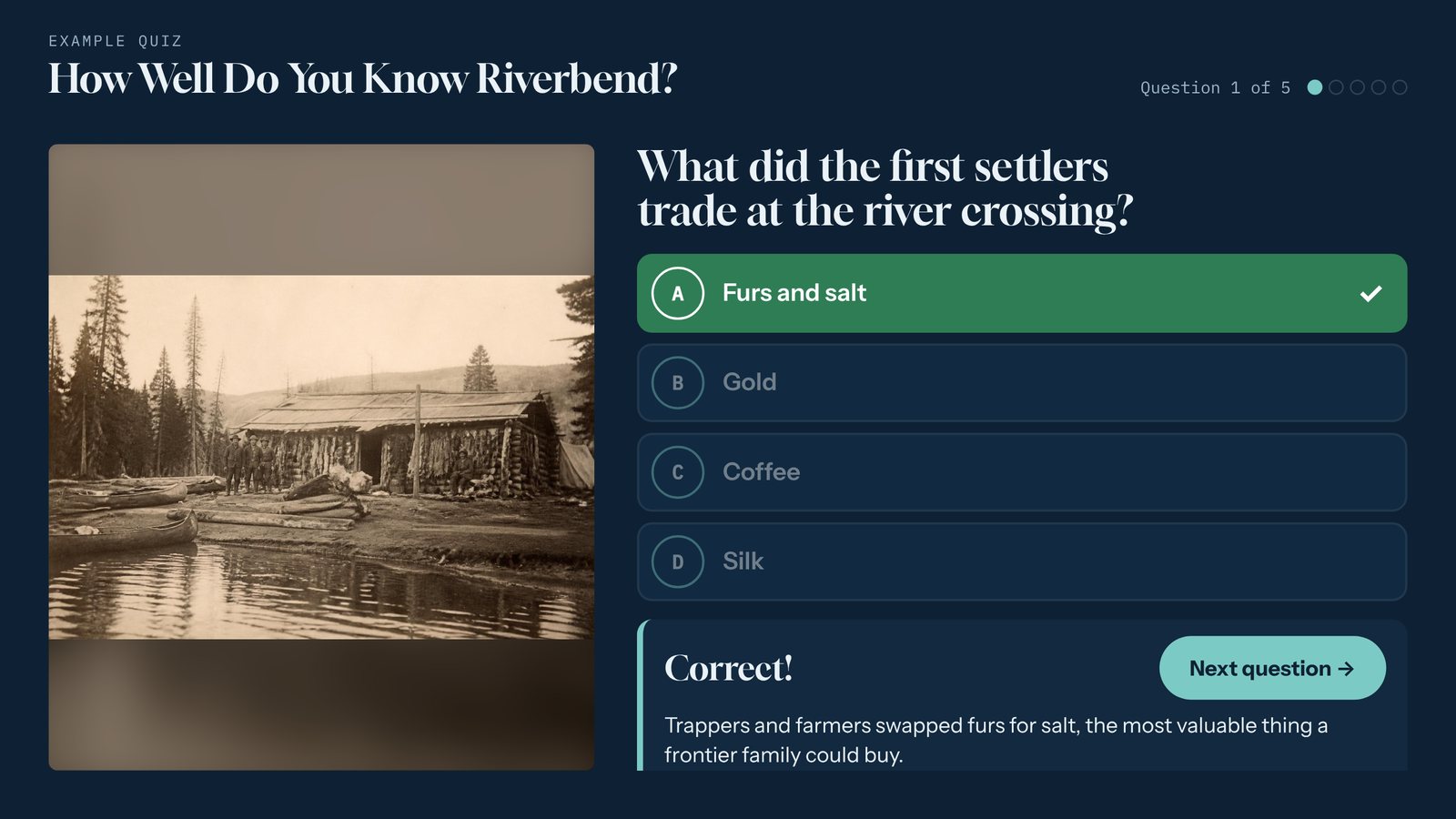
A real screen from a sample interactive built with the Quiz template. Yours uses your own content, photos, and brand.
What the Quiz template does
- Two to four answer choices per question, with an optional picture.
- Instant right-or-wrong feedback with a one- or two-sentence explanation.
- A score screen at the end with your own message.
- Shuffle the question order for each visitor if you like.
- An optional "Enter to win" lead form on the score screen, with a permission checkbox.
- Works offline, in landscape or portrait.
Where it works best
- Museum galleries and school groups
- Trade show booth games
- Brand and product trivia at events
- Lobby and visitor center engagement
Made for museums, trade shows and content marketers.
Three steps. No developer.
Write five to ten questions
Start from the sample quiz (up to 25 questions). Each question gets two to four answers, the right one ticked, and a short explanation.
Set the score screen
Write the message people see at the end. At a booth, turn on the lead form and choose what to ask for.
Brand it and publish
Your logo, colors, and fonts carry through. Publish to a kiosk, or share it by link.
Every Tellcase template comes with
Your brand
Your logo, colors, and fonts on every screen, plus large text and reduced motion options.
Runs without internet
Connected kiosks keep playing when the network drops, and offline packages run from a USB stick. How it runs
Landscape or portrait
Fits a wall screen, a touch table, or a standing kiosk, and returns to a welcome screen when visitors walk away.
On your website too
Share any interactive by link or embed it on your site. One update changes the kiosk and the web page.
Unlimited interactives
Every plan includes unlimited interactives. Plans start at $49 a month, or $7,000 once for Lifetime. See pricing
Mac or Windows
Runs on a Mac mini or small Windows PC with a touchscreen. Our kiosk setup guide walks through it.
Quiz questions
How many questions should a touchscreen quiz have?
Five to ten works best. Visitors see one question at a time, so a short quiz gets finished, and the score screen is where a booth asks for contact details.
Can the quiz collect leads?
Yes. Turn on the lead form and players can leave their name and email, plus optional company and phone, after they see their score. They must tick your permission statement first.
Can school groups use it in a museum?
Yes. The explanation after each answer makes it a teaching tool, and you can leave the lead form off for gallery use.
Pairs well with
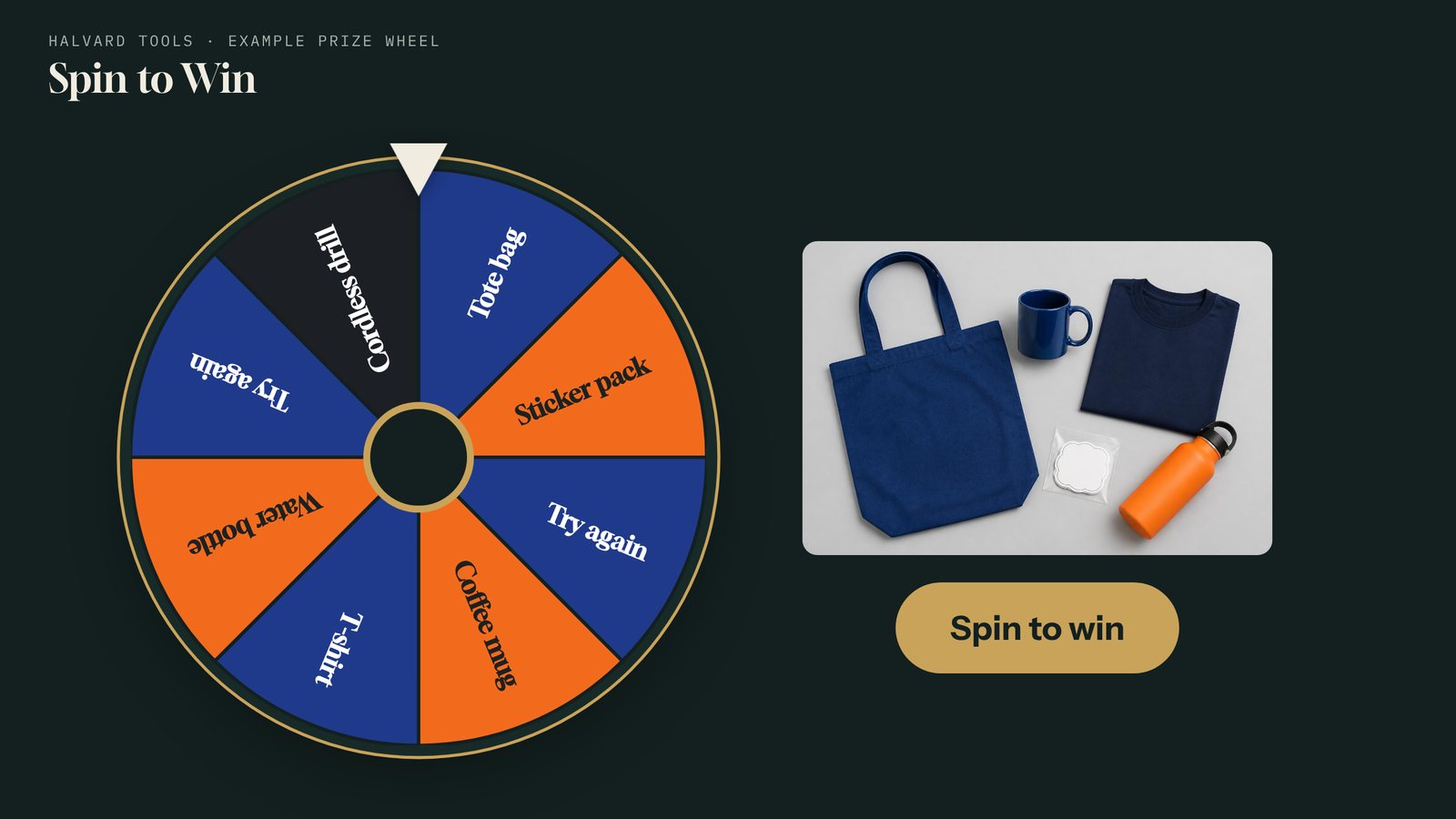
Prize Wheel
A touchscreen spin-to-win prize wheel for trade show booths and events. Set the prizes and odds, collect leads before each spin, and save the prize won with every lead.
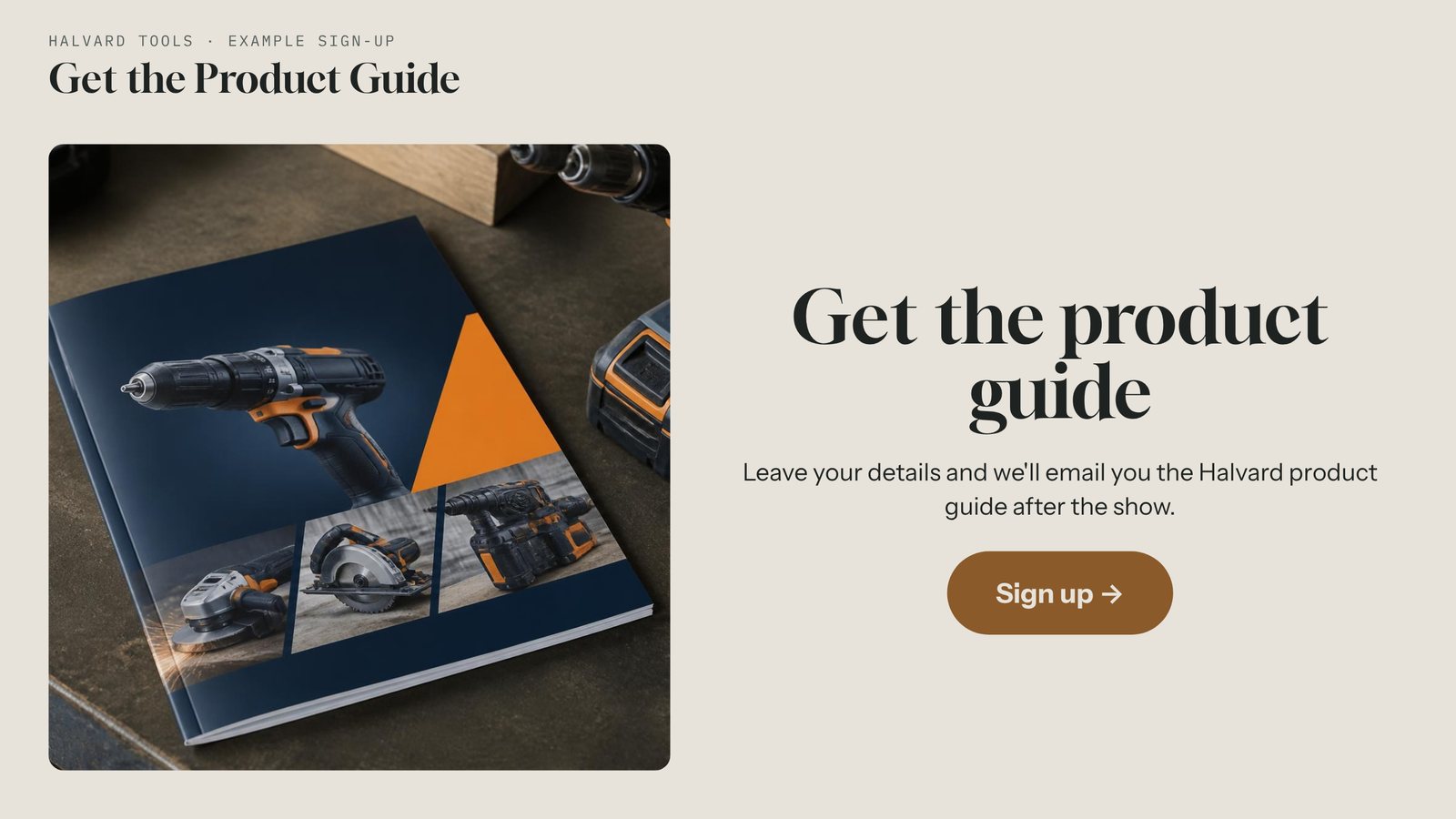
Lead Capture
A branded touchscreen sign-up screen for booths, lobbies, and events. Collect names and emails with a permission checkbox, even offline, and download leads as a spreadsheet.
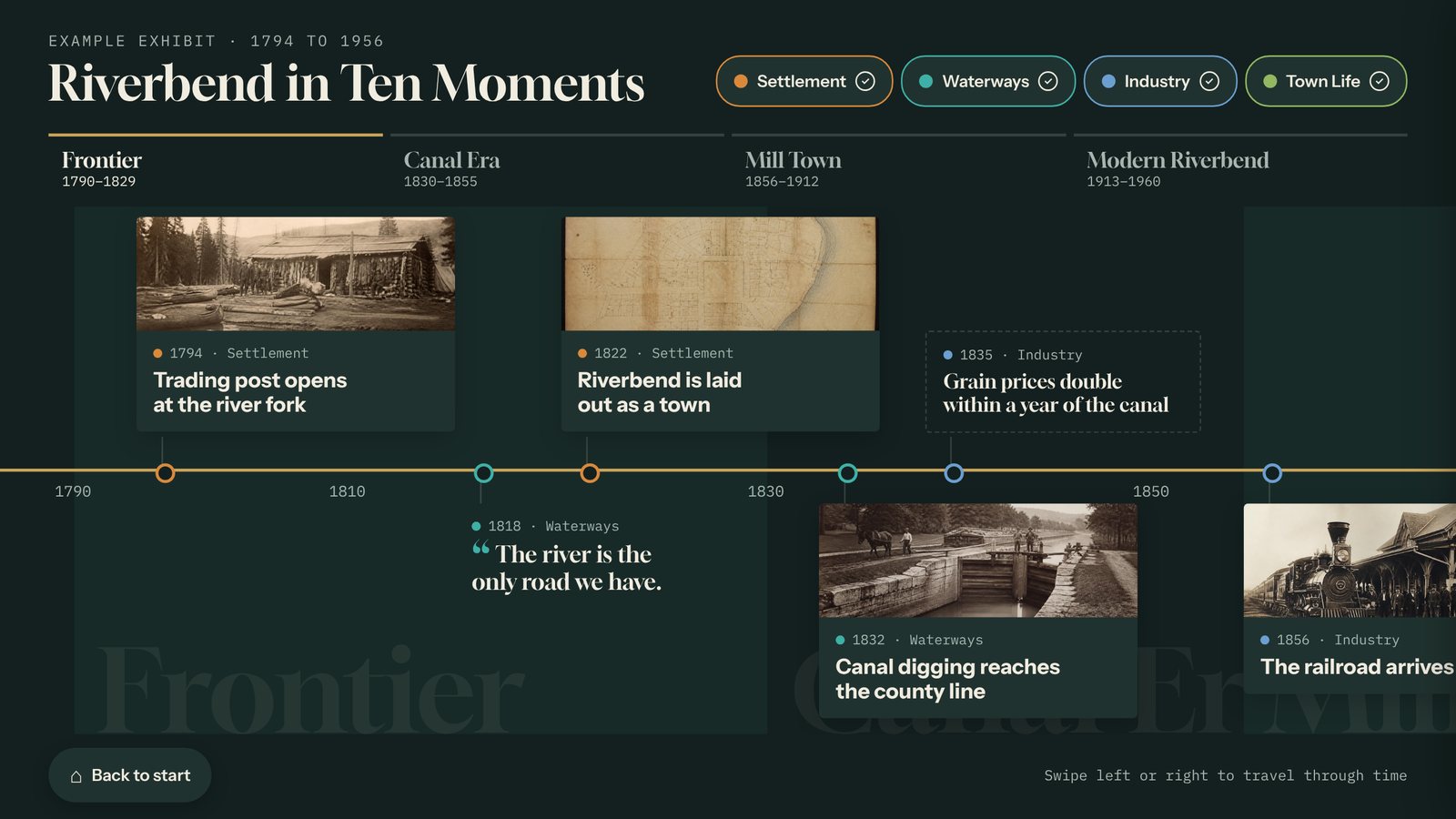
Timeline
Build an interactive touchscreen timeline from your own dates, photos, and stories, with eras and filters. Update it from any browser. Runs with or without internet.
Build your first quiz today.
Start free for 14 days with example content already in place. No card needed.