
Touchscreen kiosk software for museums.
Build interactive timelines, story galleries, and object explorers for your exhibits, then keep them current yourself. No developer, no vendor tickets, and no internet required on the gallery floor.
- Built for museums, historical societies, and visitor centers
- Staff and volunteers update it from any browser, even a phone
- Runs on a Mac mini, Windows PC, or BrightSign player
- Pay once with Tellcase Lifetime, or start at $49 a month
14 days free, no card needed. Or send the form and we will walk you through it.
What is Tellcase?
Tellcase is touchscreen kiosk software for museums and historical societies. Your team picks a template, such as a timeline, story gallery, object explorer, honor wall, or quiz, replaces the example cards with your own photos, dates, and text, and publishes it to a touchscreen kiosk. Staff and volunteers can update it later from any web browser. It runs on a Mac mini, a Windows PC, or a BrightSign HD1025 or HD1026 player with a USB touchscreen, and it keeps playing with no internet. Plans start at $49 a month with a 14-day free trial, or Tellcase Lifetime is $7,000 one time for up to 5 kiosks.
- Templates
- Timeline, Story Gallery, Object Explorer, Honor Wall, Quiz, and three more
- Who updates it
- Your staff and volunteers, from any browser
- Hardware
- Mac mini, Windows PC, or BrightSign HD1025/HD1026, plus a touchscreen
- Internet
- Optional. Kiosks keep playing offline
- Price
- From $49 a month, or $7,000 once for up to 5 kiosks
- Free trial
- 14 days, no card needed
Most museum interactives are finished the day they are installed.
When a date is wrong or a new donation arrives, you call the vendor and wait for a quote. So the kiosk stays the same for years while the collection keeps growing.
Tellcase hands your team the keys. Fix a caption in a minute, add a new acquisition the week it arrives, and preview every change before it reaches the floor.
Museum interactives you can build today
Real screens from Riverbend County, a sample historical society we built to show each template. Yours uses your own cards, photos, and brand.
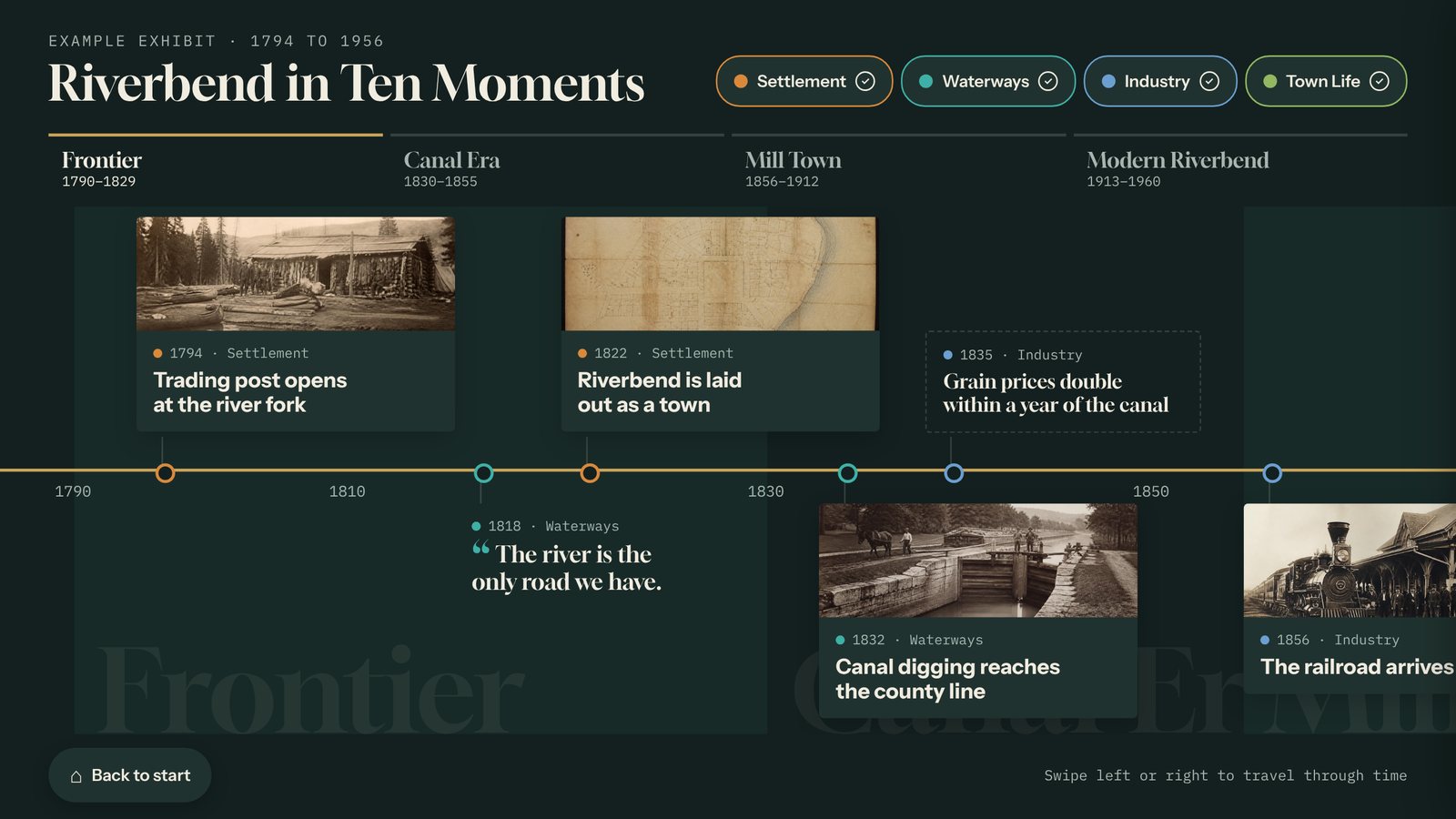
Interactive timeline
Visitors swipe through the decades, jump between named eras, and filter by theme. Tap a moment to open the full card with photos and video.
County history, anniversaries, a building’s life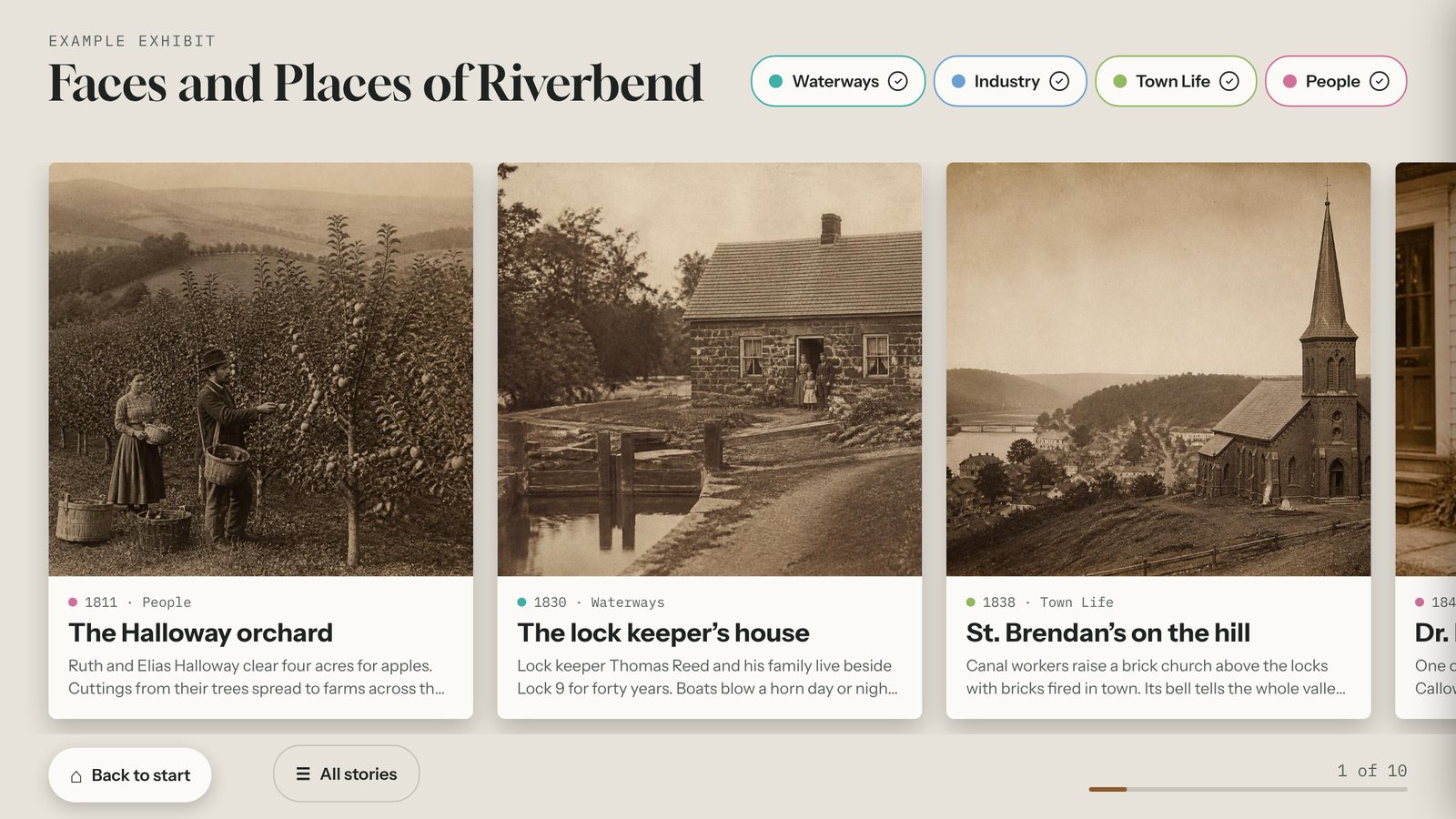
Story gallery
A wall of large photo cards that visitors browse at their own pace, for the people, places, and families behind your collection.
Oral histories, notable residents, veterans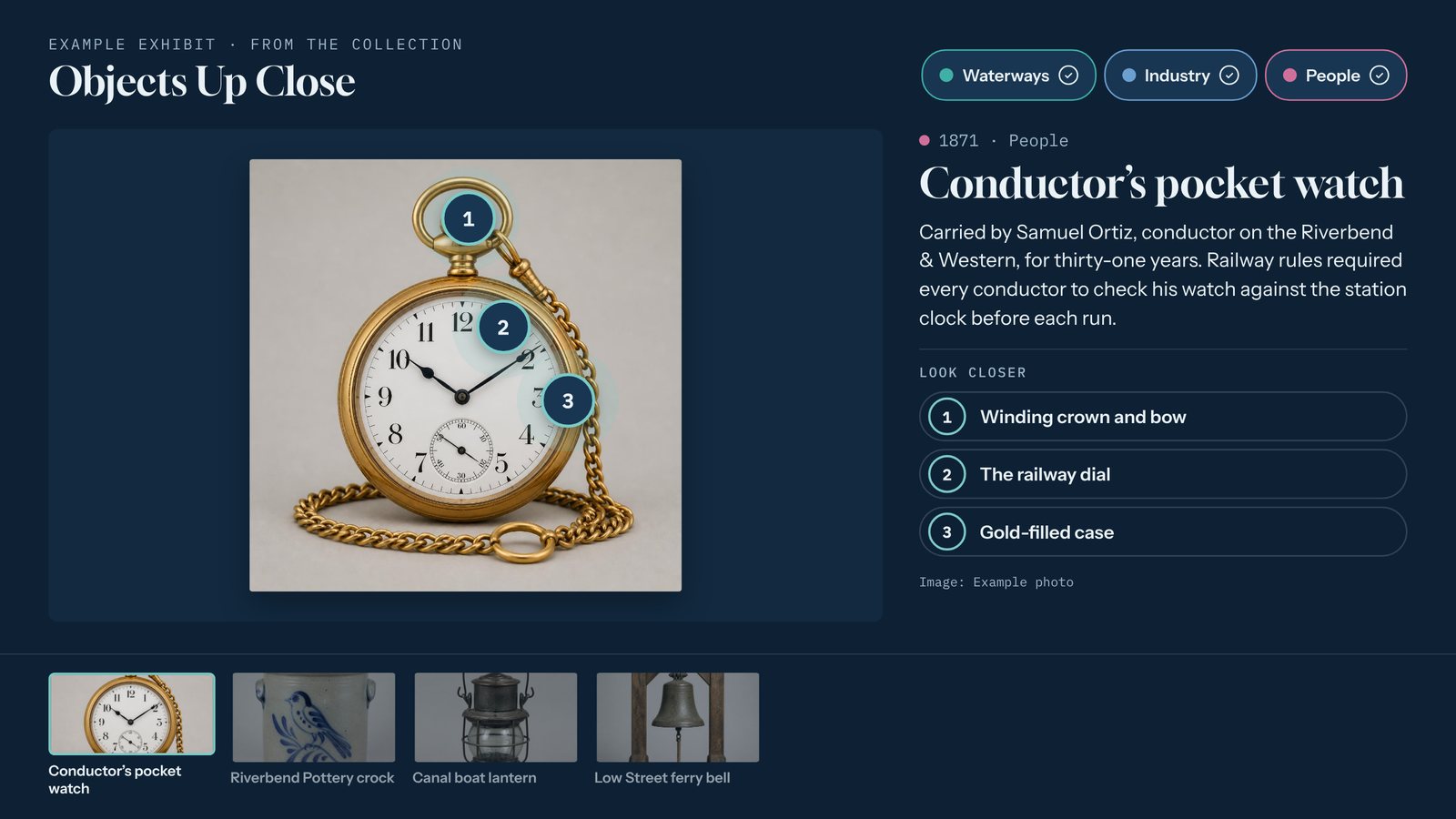
Object explorer
One artifact, up close. Numbered hotspots reveal the details visitors would never spot through the glass.
Cased artifacts, maps, machinery, buildingsMade for small museum teams
Volunteers can run it
Adding a card works like filling in a form. Give each staff member or volunteer their own login.
Bring your spreadsheet
Already have dates and captions in a spreadsheet? Import them all at once, then add photos.
Alt text and credits
Every image has alt text and a credit line, so you can describe it and attribute the source properly.
Fix it from the floor
Spot a typo on the kiosk? Fix it from your phone. Connected kiosks update within a few minutes and wait for visitors to walk away first.
Landscape or portrait
Every template runs on a wall screen or a standing kiosk, and returns to a welcome screen when visitors leave.
On your website too
Embed the same interactive on your website so people can explore your collection from home. Embeds do not count as kiosks.
Plays on the hardware you choose
Pair any of these with a commercial touchscreen, in landscape or portrait. Hardware is not included, so you can use what you already own. See the kiosk setup guide.
Mac mini
A 2018 or newer Mac mini on macOS 13 or later. Apple silicon is recommended.
Windows PC
Any small PC that can run Windows 11, with 8 GB of memory and an SSD.
BrightSign HD1025 or HD1026New
Plays an offline package from its SD card with a USB touchscreen. No computer needed.
From template to touchscreen in three steps
Pick a template
Start from a timeline, story gallery, object explorer, honor wall, or quiz filled with example cards.
Add your content
Swap in your photos, dates, and text, or import a spreadsheet. Add your logo, colors, and fonts.
Put it on a kiosk
Pair a connected kiosk with a six-digit code, or download an offline package and copy it over with a USB stick or SD card.
Priced for how museums buy
Every plan includes unlimited interactives. Hardware is not included, so you can use screens and computers you already own. Compare every plan.
Tellcase Lifetime: $7,000 once
Unlimited interactives on up to 5 kiosks, every template, and 3 years of cloud editing, updates, and support. Your kiosks keep playing for good. 30-day full refund.
Starter: $49 a month
One kiosk with unlimited interactives, or $490 a year. Starts with a 14-day free trial, no card needed.
Pro: $149 a month
Up to 5 kiosks for a whole museum, or $1,490 a year. Extra kiosks are $25 a month each.
What buyers ask first
What is the best touchscreen kiosk software for a small museum or historical society?
Look for software your own staff can update without a developer, that keeps running without internet, and that you can pay for in a way that fits your budget. Tellcase was built for exactly that: volunteers update content cards from a browser, kiosks keep playing offline, and you can pay monthly or once with Tellcase Lifetime. Our buyer’s guide lists ten questions to ask any vendor.
How much does museum touchscreen kiosk software cost?
Tellcase Starter is $49 a month for one kiosk and Pro is $149 a month for up to five, both with unlimited interactives and a 14-day free trial. Paying yearly gets two months free. Tellcase Lifetime is $7,000 one time for up to 5 kiosks with 3 years of cloud editing, updates, and support, and an optional care plan after that is $790 a year. The touchscreen and computer are separate.
What hardware do I need for a museum touchscreen kiosk?
A commercial touchscreen plus a small computer to play the interactive: a Mac mini (2018 or newer), a Windows PC that can run Windows 11, or a BrightSign HD1025 or HD1026 player with a USB touchscreen. Our kiosk setup guide lists the recommended specs and walks through setup step by step.
Can a museum touchscreen kiosk run without internet?
Yes. A connected kiosk keeps playing if the network drops once it has downloaded the interactive. An offline package needs no internet at all: download it, copy it to the kiosk computer with a USB stick or onto a BrightSign player’s SD card, and it runs on its own.
Can volunteers update the museum kiosk themselves?
Yes. Each staff member or volunteer gets their own login. They can fix a date, swap a photo, or add a card from any browser, even a phone, and preview it before it goes live. Changes stay as drafts until someone clicks Publish.
How do I make an interactive timeline for a museum exhibit?
Start a Tellcase Timeline, name your eras, and add a card for each moment with a date, photo, and a few lines of text. You can import the dates from a spreadsheet. Visitors swipe through the decades and filter by theme. Our step-by-step guide covers planning and writing the cards.
Can we pay once instead of a monthly subscription?
Yes. Tellcase Lifetime is a one-time purchase of $7,000 for up to 5 kiosks. We can send a quote or an invoice for your purchasing office, and you can pay by card, ACH, or invoice.
Can visitors explore the exhibit from home?
Yes. Any interactive can be shared by link or embedded on your website, so people can browse it before or after a visit. Website embeds do not use up a kiosk.
Two hundred years of county history.
And your volunteers can add year two hundred and one.