
Let your lobby tell the story.
Turn your company history, product lineup, and the people behind your business into a touchscreen visitors explore on their own. It works when nobody is free to give the tour, and you update it yourself in a browser, with no developer or agency.
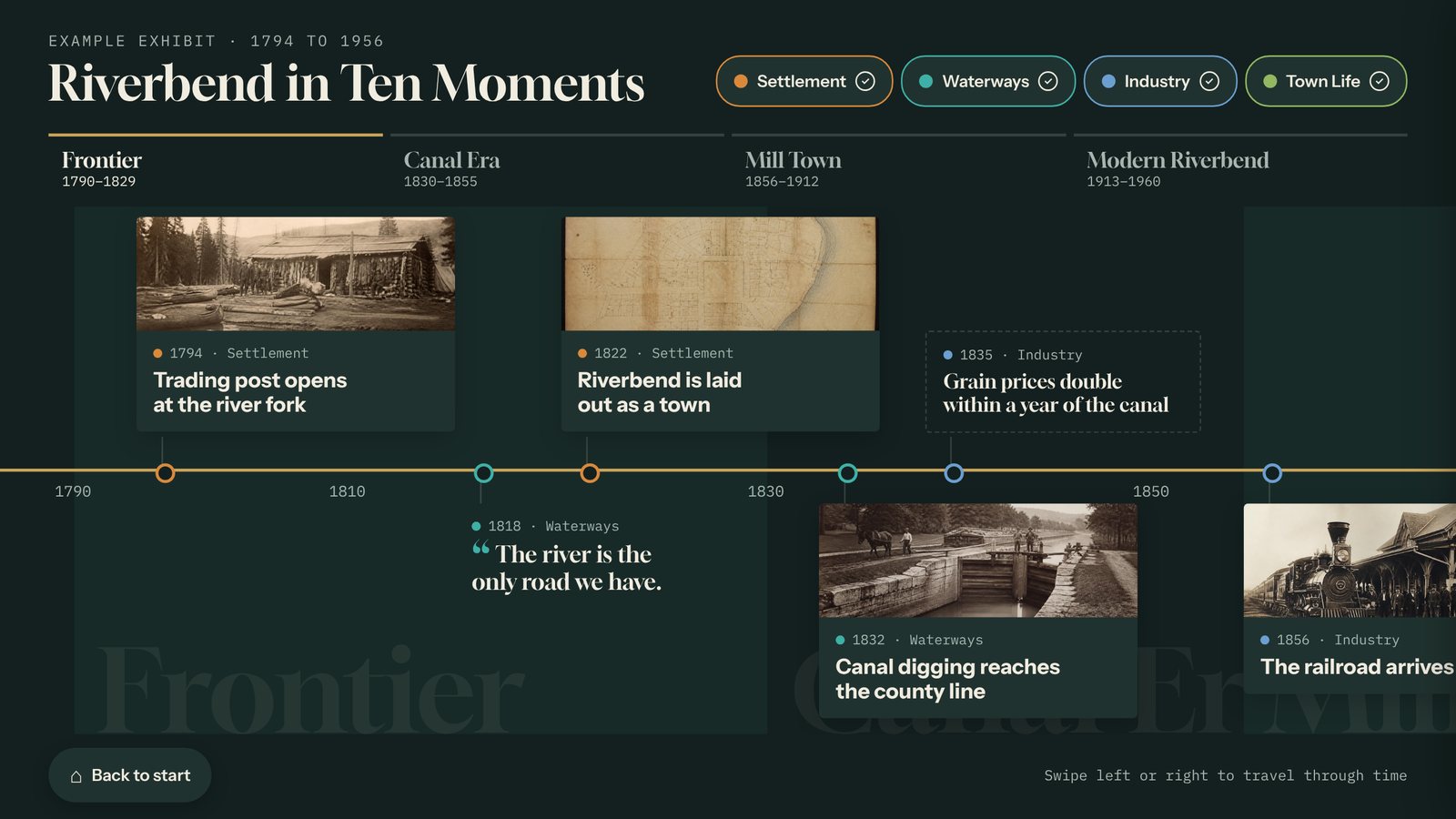
From brochure to touchscreen
Built for the spaces people walk through
Headquarters lobbies
Your history, your values, and your people, on a screen guests explore while they wait. A natural fit for an anniversary or a new building.
Showrooms
Every product, with feature hotspots, specs, and video. A "Send me info" button records which product a visitor wanted.
Visitor centers
The story of your plant, campus, or region for every tour group, even when the guide is busy. Runs with or without internet.
Taking it on the road too? The same interactive can play at events. See Tellcase for trade shows.
Four jobs a lobby screen does well
Real screens built with example content. Yours uses your own copy, photos, video, and brand.
Timeline
Your company's story, decade by decade, with photos, short stories, and video.
Company history, anniversaries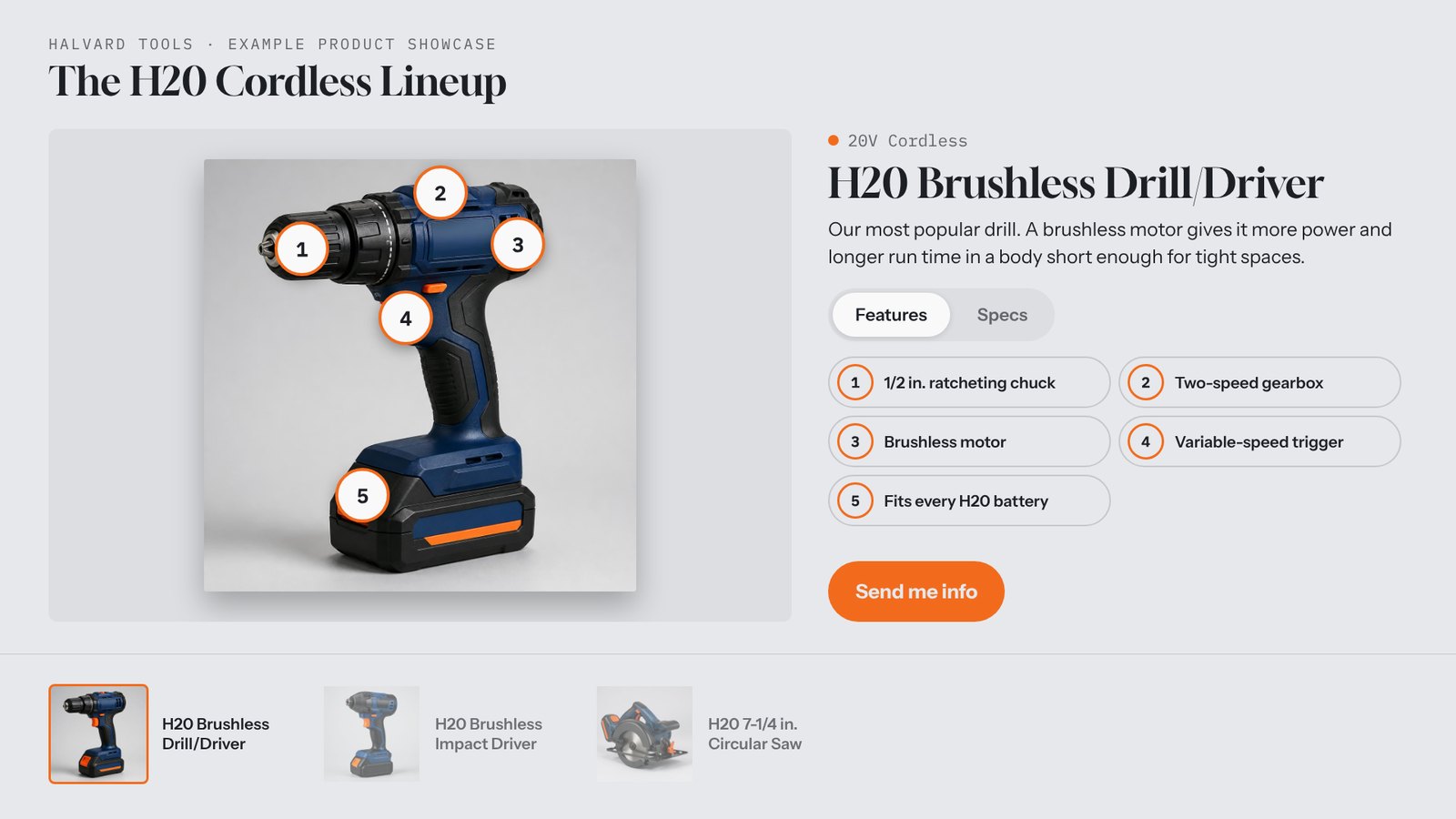
Product Showcase
Your lineup with feature hotspots, specs, video, and a "Send me info" button.
Showrooms, product launches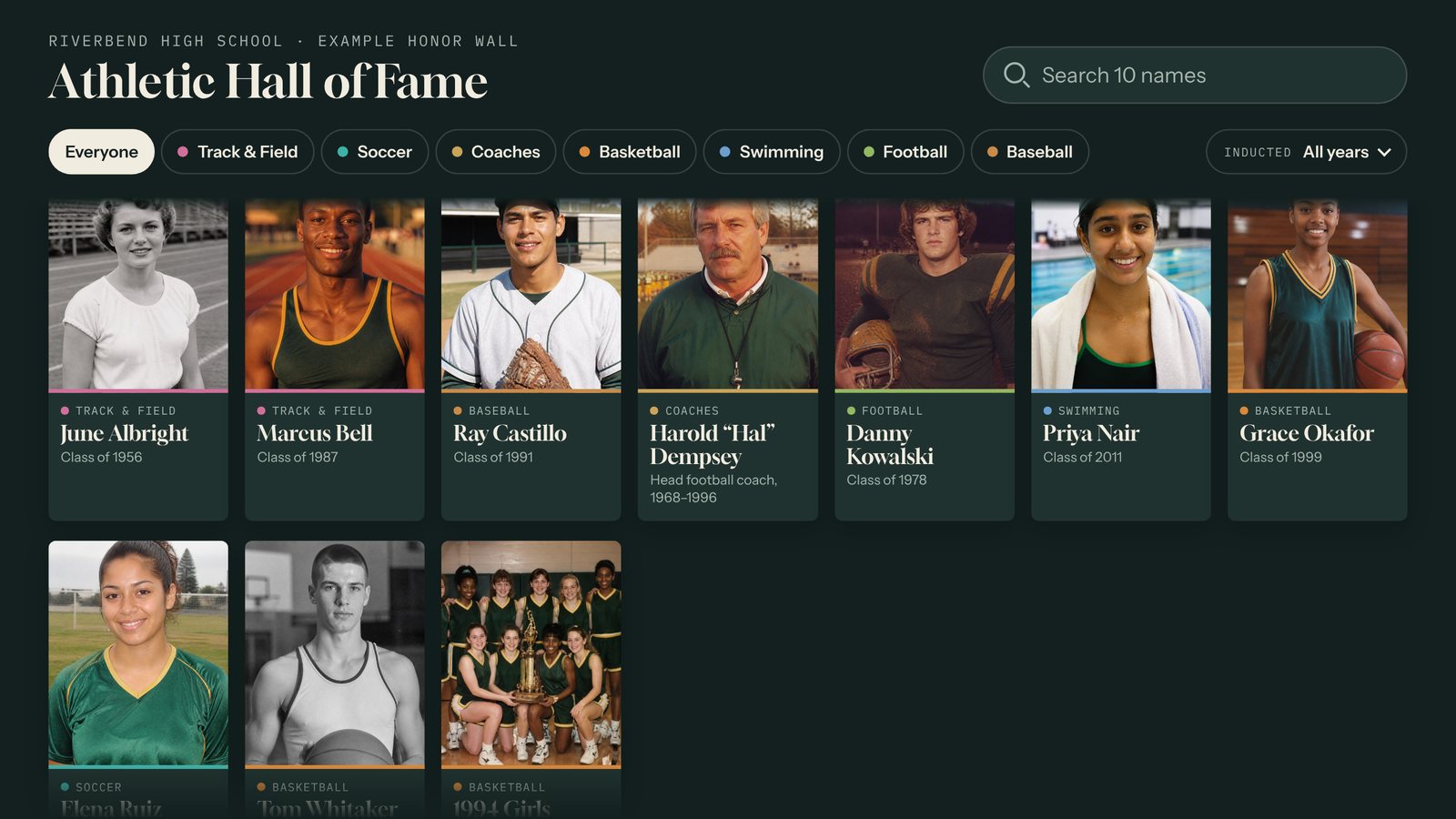
Honor Wall
A searchable wall of people: founders, award winners, long-serving employees, or donors.
Recognition, donor walls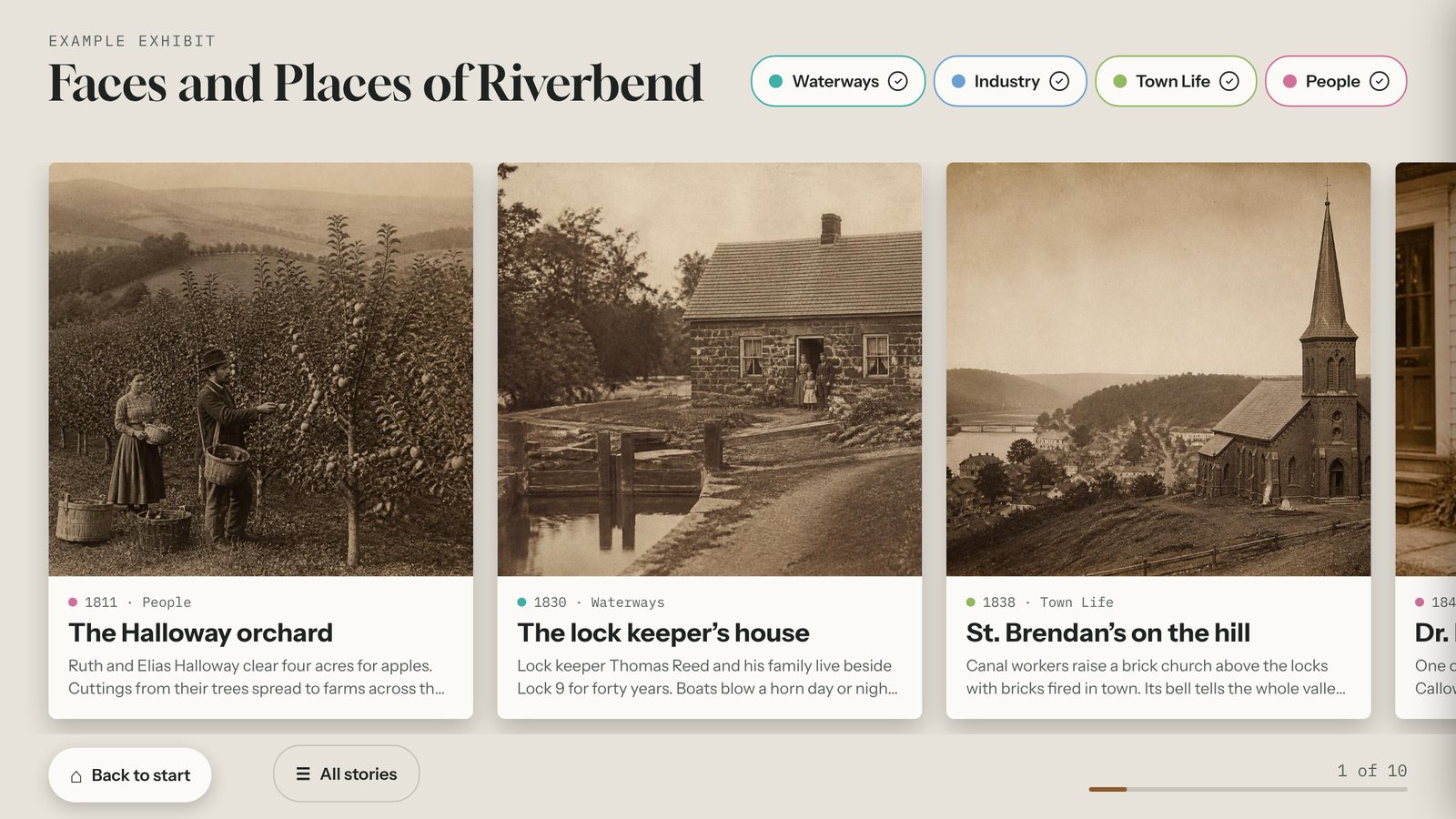
Story Gallery
Customer stories, projects, or team profiles as big photo cards people browse at their own pace.
Case studies, culturePlus a Quiz, Prize Wheel, Lead Capture screen, and Object Explorer. See all eight templates.
Built for whoever owns the space
Marketing, the front desk, or facilities. If you can update a web page, you can run Tellcase.
- Your logo, colors, and fonts on every screen.
- Start from a template filled with example content, then swap in yours.
- Import content cards from a spreadsheet.
- Fix a typo from your phone. Connected screens update within minutes.
- A welcome screen invites people to touch, and the screen resets when they walk away.
- Embed the same interactive on your website.
- Runs with or without internet, in landscape or portrait up to 4K. See how it runs.
What businesses ask first
How do businesses use Tellcase in a lobby or showroom?
Most start with one of four jobs: a company history timeline, a product showcase people explore on their own, a wall of customer or team stories, or an honor wall for founders, award winners, or donors. You build it in a browser, in your brand, and publish it to the screen. The same interactive can also be embedded on your website.
Do I need a developer or an agency?
No. You pick a template filled with example content, swap in your own copy, photos, and video, and click Publish. Your logo, colors, and fonts carry through every screen, so it looks on brand without design work.
What does the screen show when nobody is using it?
A welcome screen in your brand that invites people to touch. When a visitor walks away, the screen returns to it on its own, so the next person starts fresh.
Can the lobby screen collect leads?
Yes. A product showcase can include a "Send me info" button, and a quiz, prize wheel, or sign-up screen can ask for a name and email. Every lead is saved in your account and downloads as a spreadsheet you can import into your email or CRM tool. There is no direct CRM connection yet.
Who keeps it up to date?
Whoever owns the space: marketing, the front desk, or facilities. Edit a card from any browser, even a phone, preview it, and publish. Connected screens update within a few minutes and wait for visitors to walk away first.
Your lobby is already telling a story.
Tell us about your space and we'll show you what it looks like on a screen.