
Tellcase press kit
Writing about touchscreen exhibits, listing Tellcase in a directory, or adding us to a partner page? Everything on this page is free to use when you write about Tellcase. No need to ask first.
Tellcase in one sentence
Tellcase is software for building touchscreen interactives, like museum timelines, school halls of fame, and trade show games, in a web browser, with no coding, that keep playing on a kiosk even with no internet.
Short description (about 50 words)
Tellcase lets museums, schools, lobbies, and trade show exhibitors build touchscreen interactives from ready-made templates. Staff add text, photos, and video in a web browser, apply their own logo and colors, and publish to a kiosk. Kiosks keep playing when the Wi-Fi drops, or run fully offline from a USB stick.
Longer description (about 120 words)
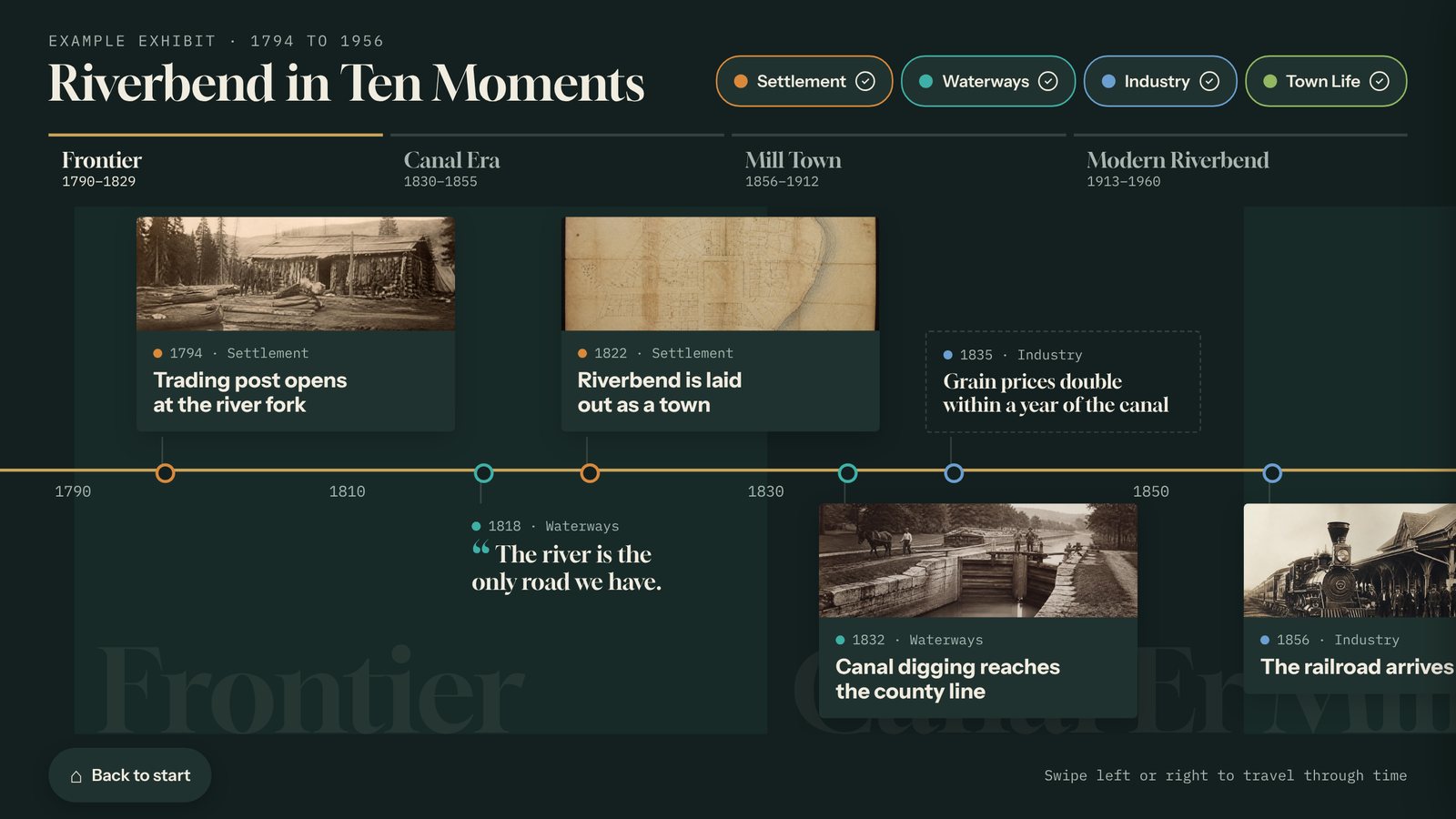
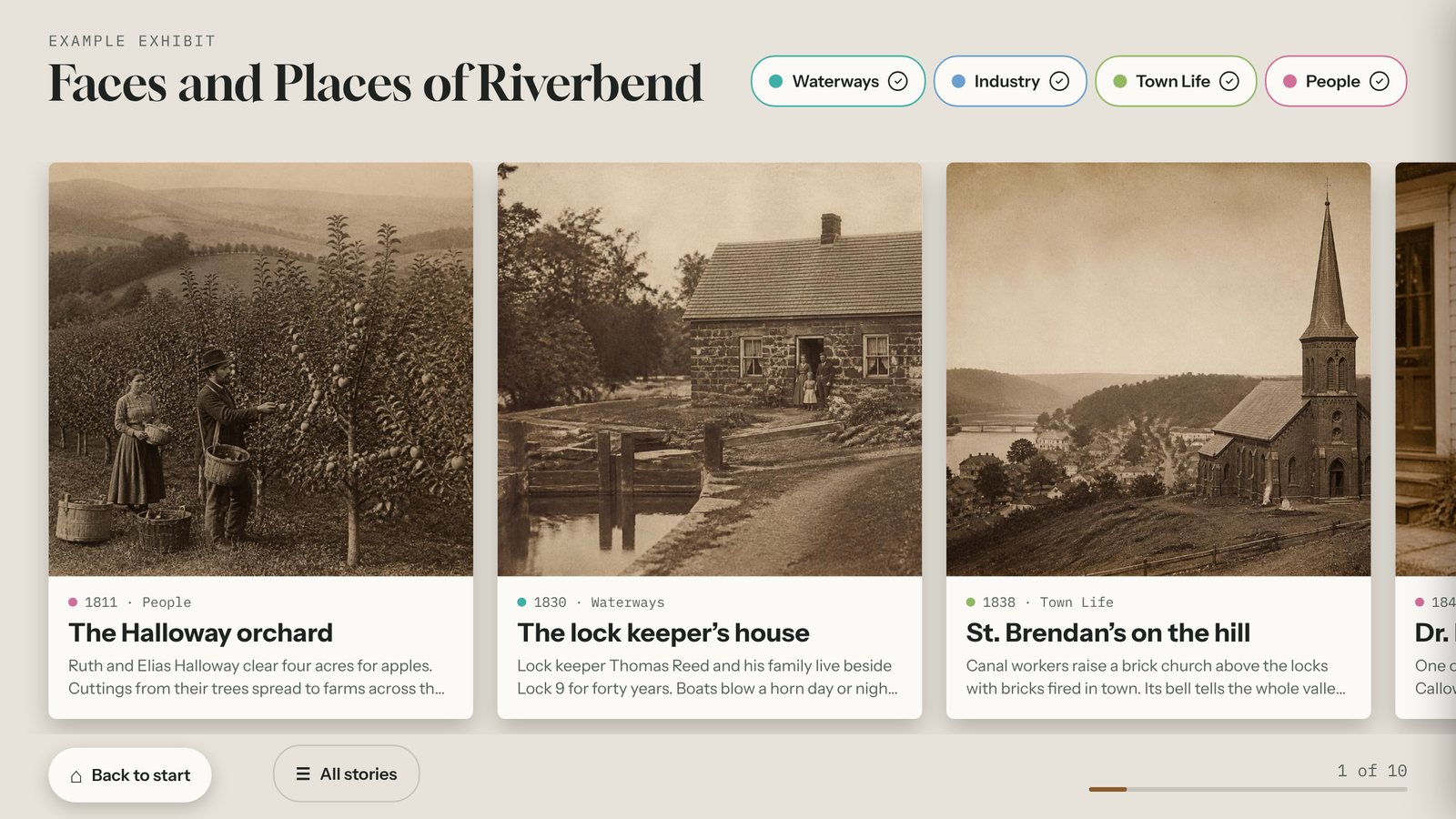
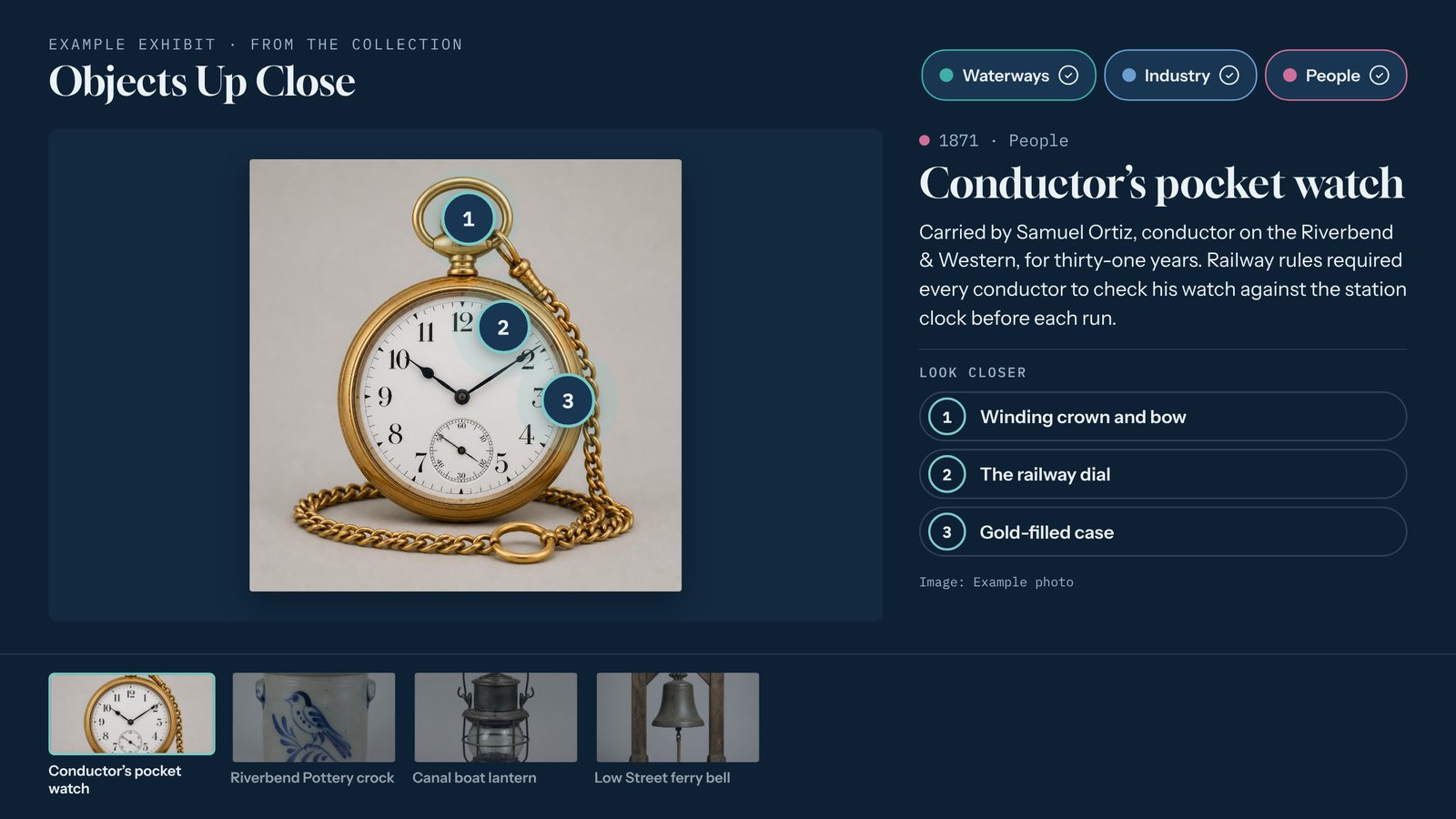
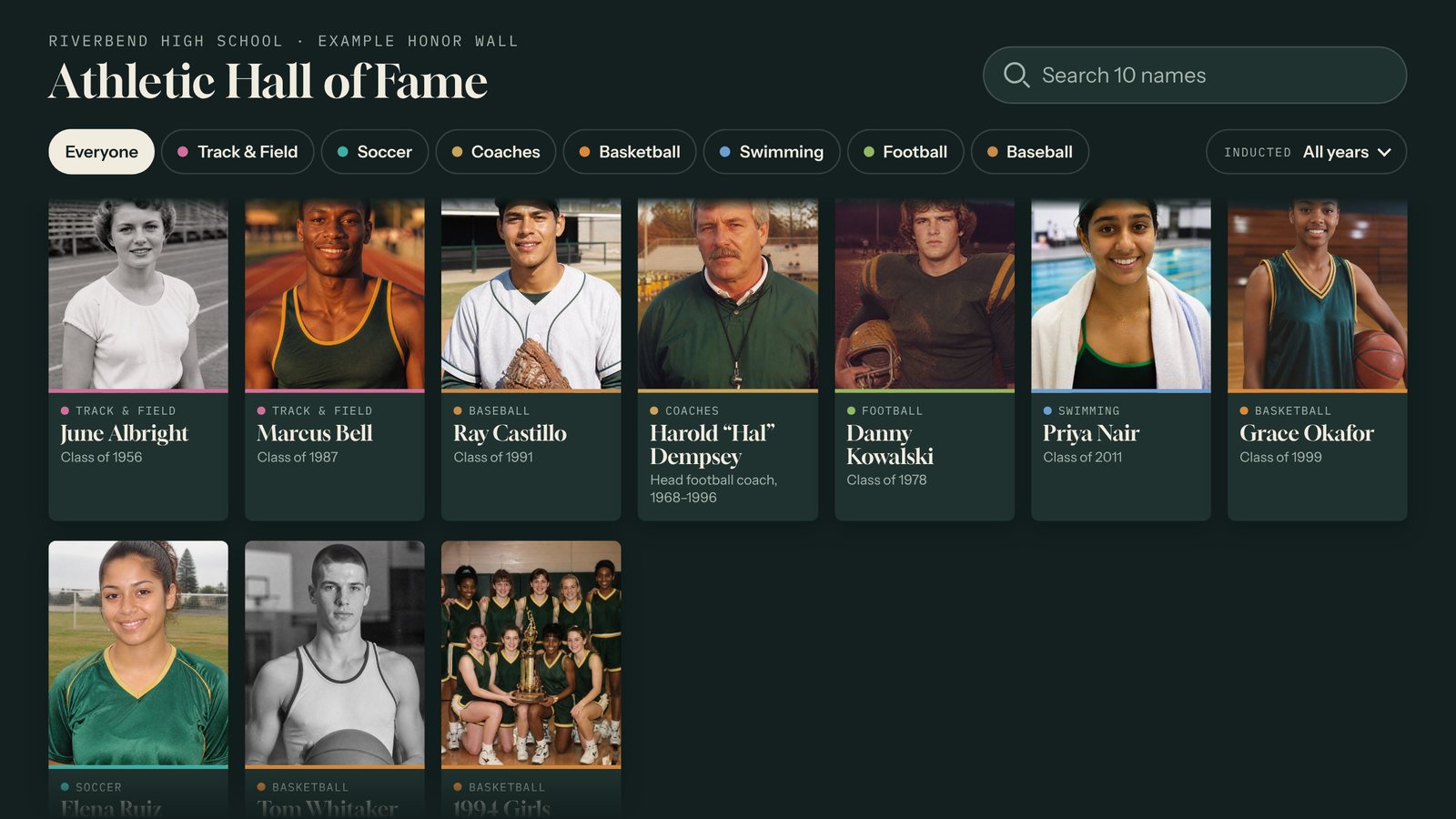
Tellcase is touchscreen exhibit software for teams without a developer. Pick a template, such as a timeline, story gallery, object explorer, honor wall, quiz, prize wheel, product showcase, lead capture form, or lobby loop, and fill it with your own content in a web browser. Add your logo, colors, and fonts, then publish.
Interactives play on ordinary hardware: a Mac mini, a Windows PC, a BrightSign player, or an iPad, in landscape or portrait. Connected kiosks update within minutes and keep playing through network outages. Offline kiosks update from a USB stick. A visitor Accessibility button offers larger text, high contrast, and a lowered screen for seated visitors, and videos can carry captions.
Plans start at $49 a month with a 14-day free trial, plus a one-time Lifetime option.
Quick facts
- Name: Tellcase (one word, capital T only)
- Company: Tellcase LLC, Ohio, United States
- Launched: October 2026
- What it is: browser-based software for building touchscreen kiosk interactives
- Who it’s for: museums and historical societies, schools, trade show exhibitors, and lobbies and visitor centers
- Templates: nine, all included on every plan. See all templates.
- Runs on: Mac mini, Windows PC, BrightSign, iPad, or a website embed. See the kiosk setup guide.
- Pricing: from $49 a month, 14-day free trial, no card needed. See pricing.
- Try it: live demo, no sign-up needed
Logos
Please use the logo as provided, without stretching, recoloring, or adding effects. Use the dark green version on light backgrounds and the white version on dark backgrounds.
- Logo, dark green (SVG) · PNG, 1600 px
- Logo, white for dark backgrounds (SVG) · PNG, 1600 px
- Square mark, dark green (SVG) · PNG, 512 px





Brand colors: Ink green #1F4A3D, Lamp gold #F2B84B, Paper #F7F5F0.
Screenshots
Each is 1600 by 900 pixels. The museum and company examples are fictional sample content.
- Timeline
- Story Gallery
- Object Explorer
- Honor Wall and a profile
- Quiz
- Prize Wheel
- Product Showcase
- Lead Capture
- Loop
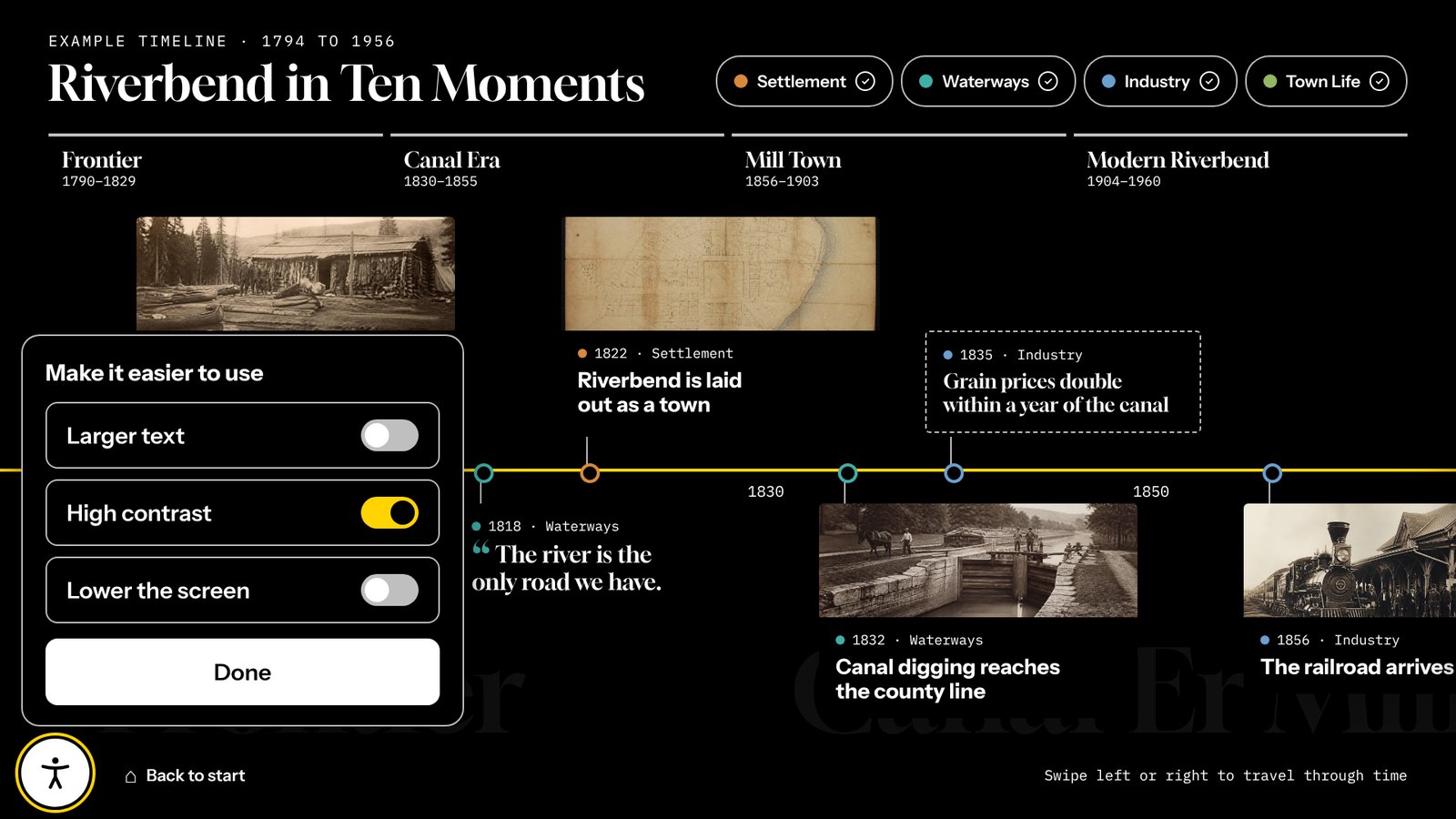
- Visitor accessibility options
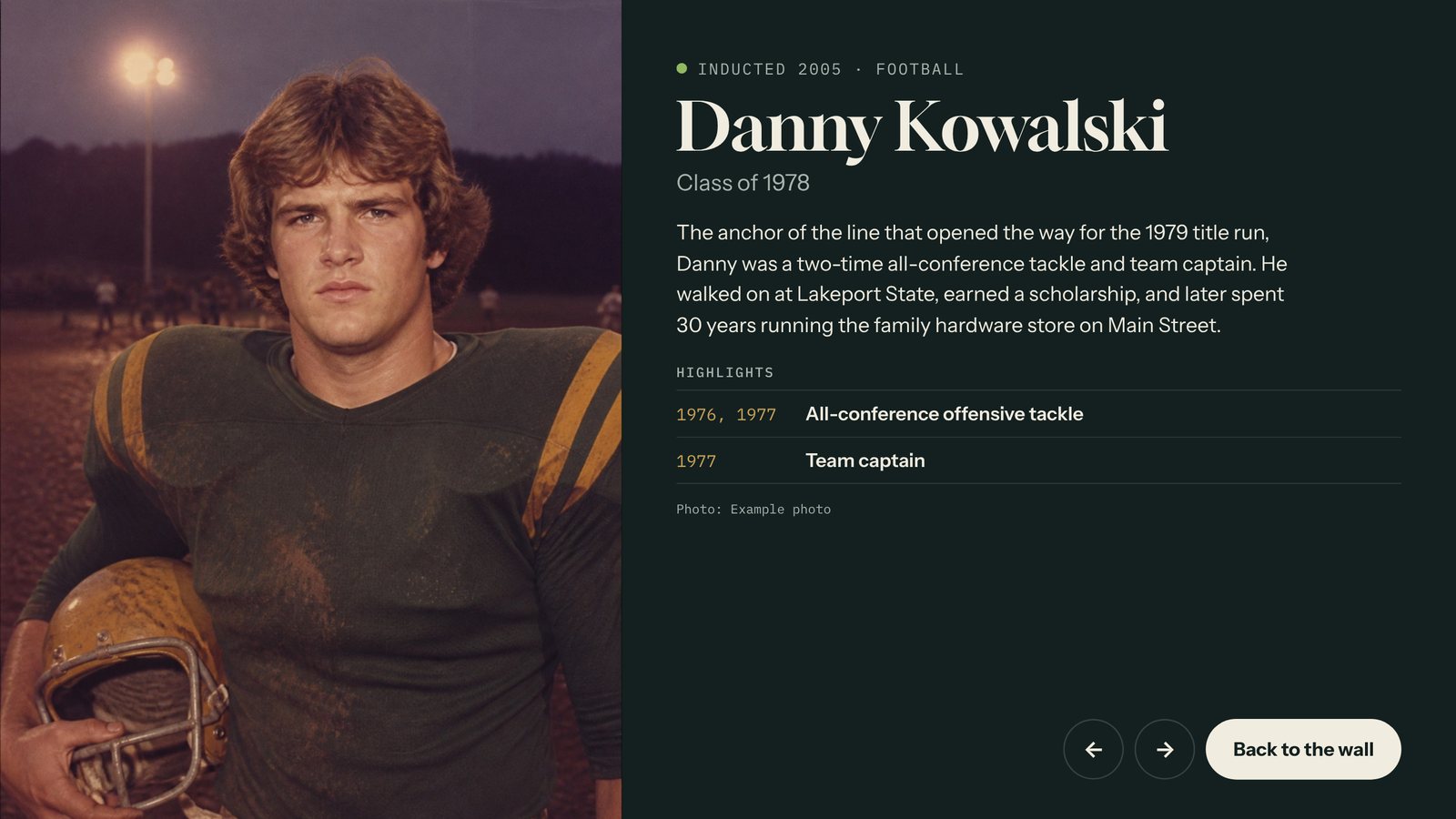
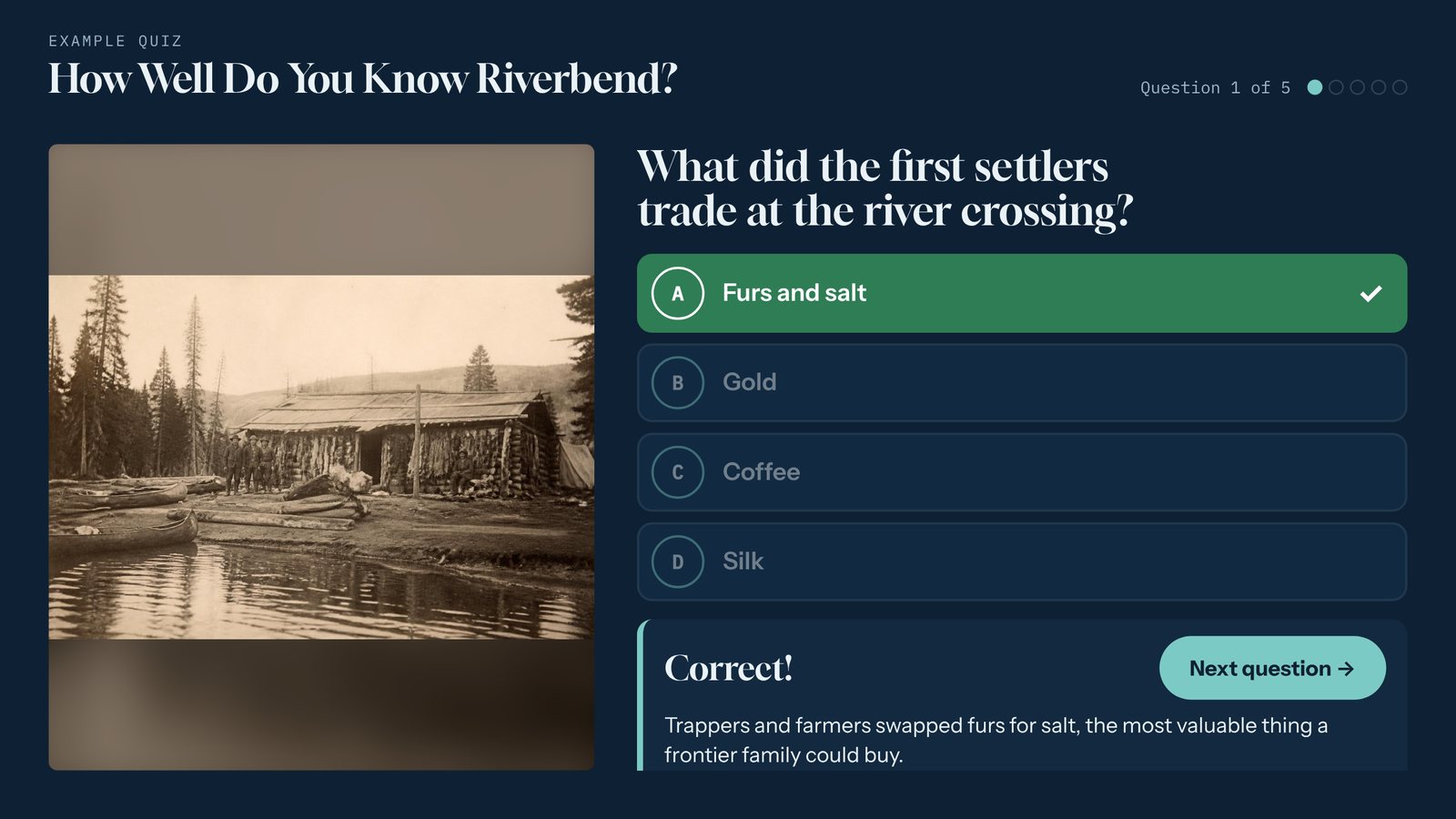

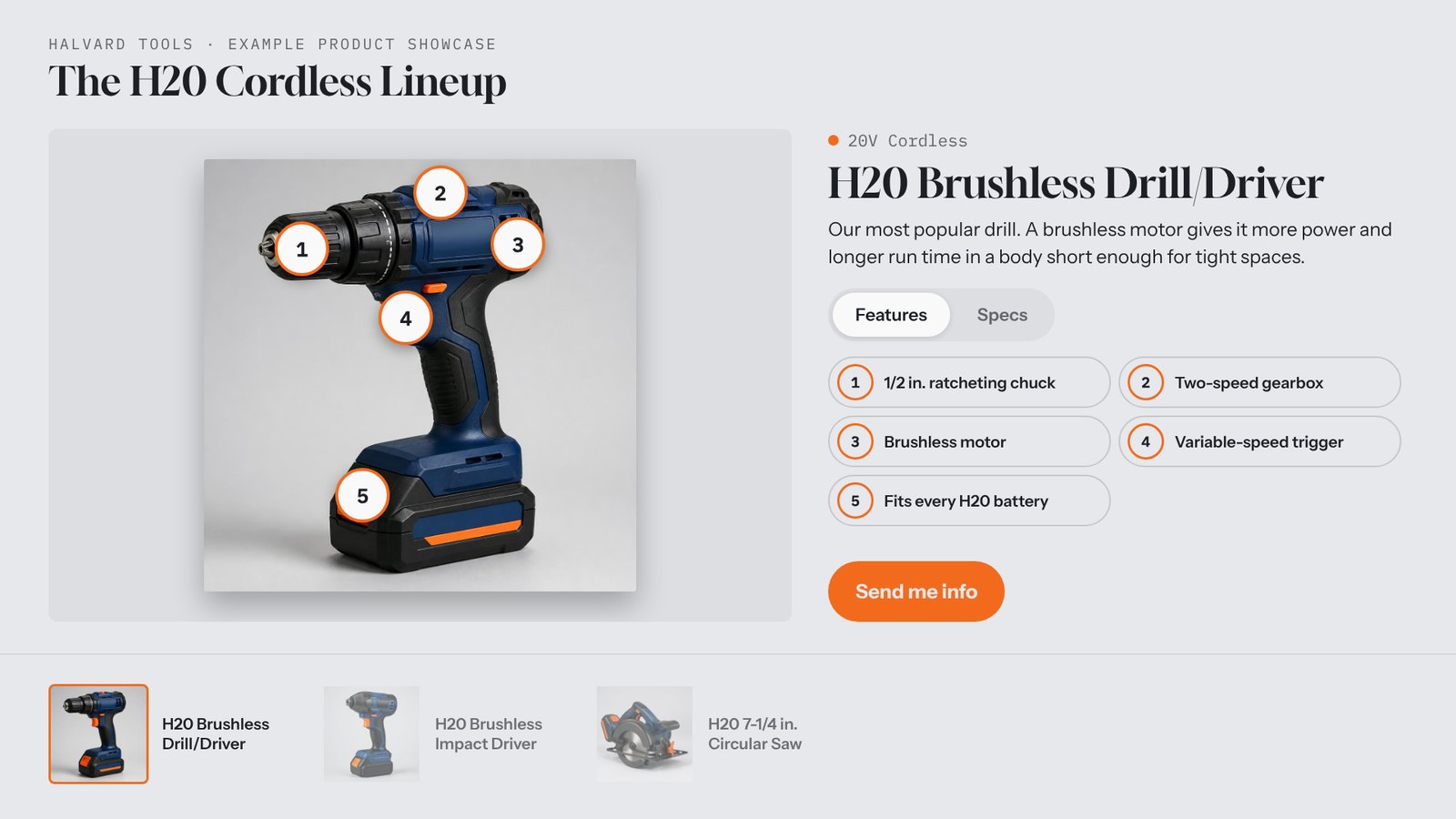

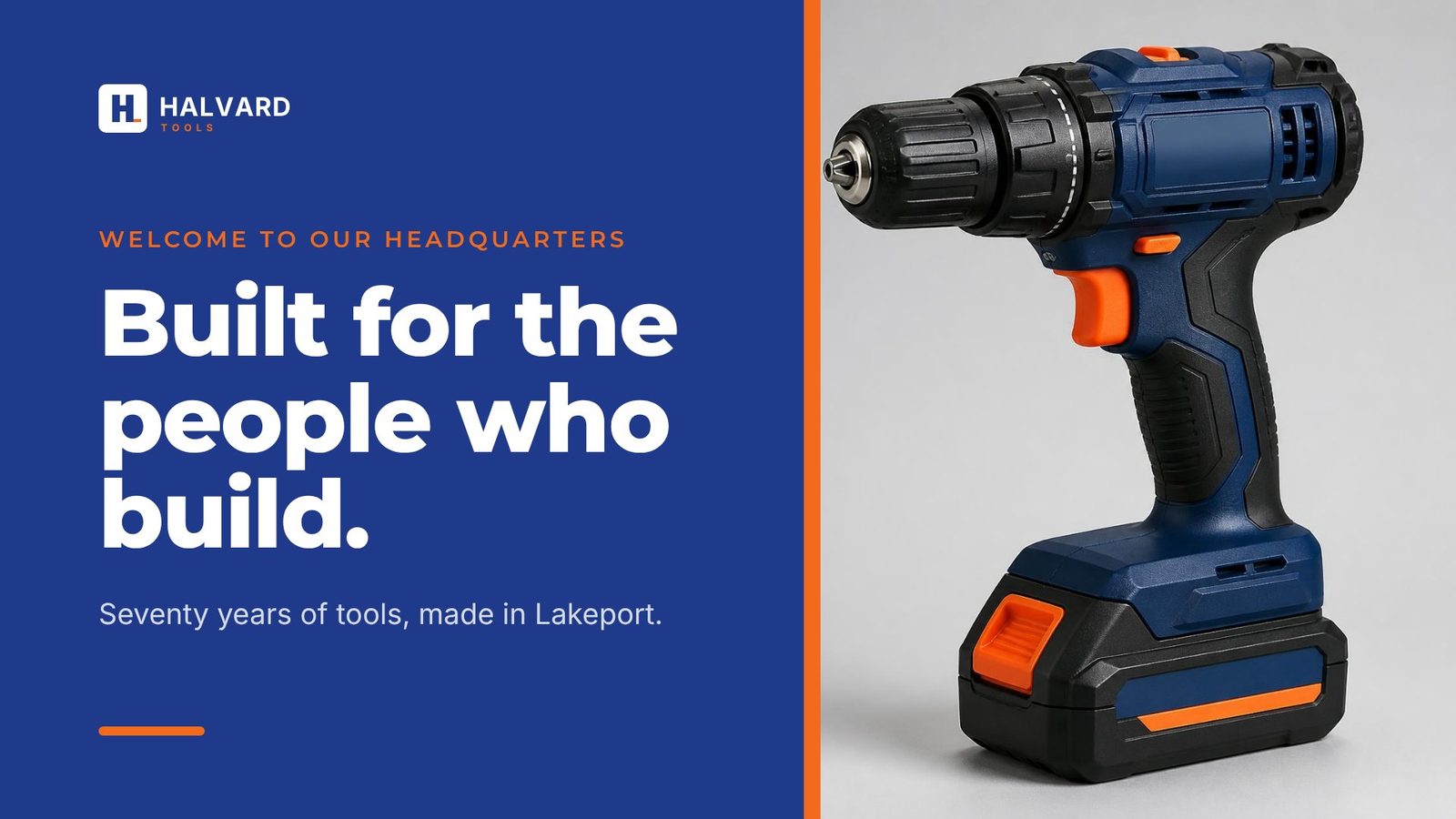
Videos are on our YouTube channel.
Linking to Tellcase
If you mention Tellcase online, a link helps readers find us. Link to tellcase.com, or to the page that fits your article, such as museums, schools, trade shows, or the kiosk setup guide.
Our guides are free to cite and link. Popular ones include how to choose touchscreen exhibit software, accessible touchscreen exhibits, museum kiosk software types and costs, and running an interactive exhibit without internet.
Press questions
For interviews, quotes, or anything not on this page, send us a note through the contact page and say it’s a press question. We usually reply within one business day.