
Lobby screen slideshows that keep themselves fresh.
Loop plays your content cards one after another, full screen, for screens people watch instead of touch: a lobby welcome, a waiting room, a hallway. Swap a slide from your browser and the screen picks it up on its own.
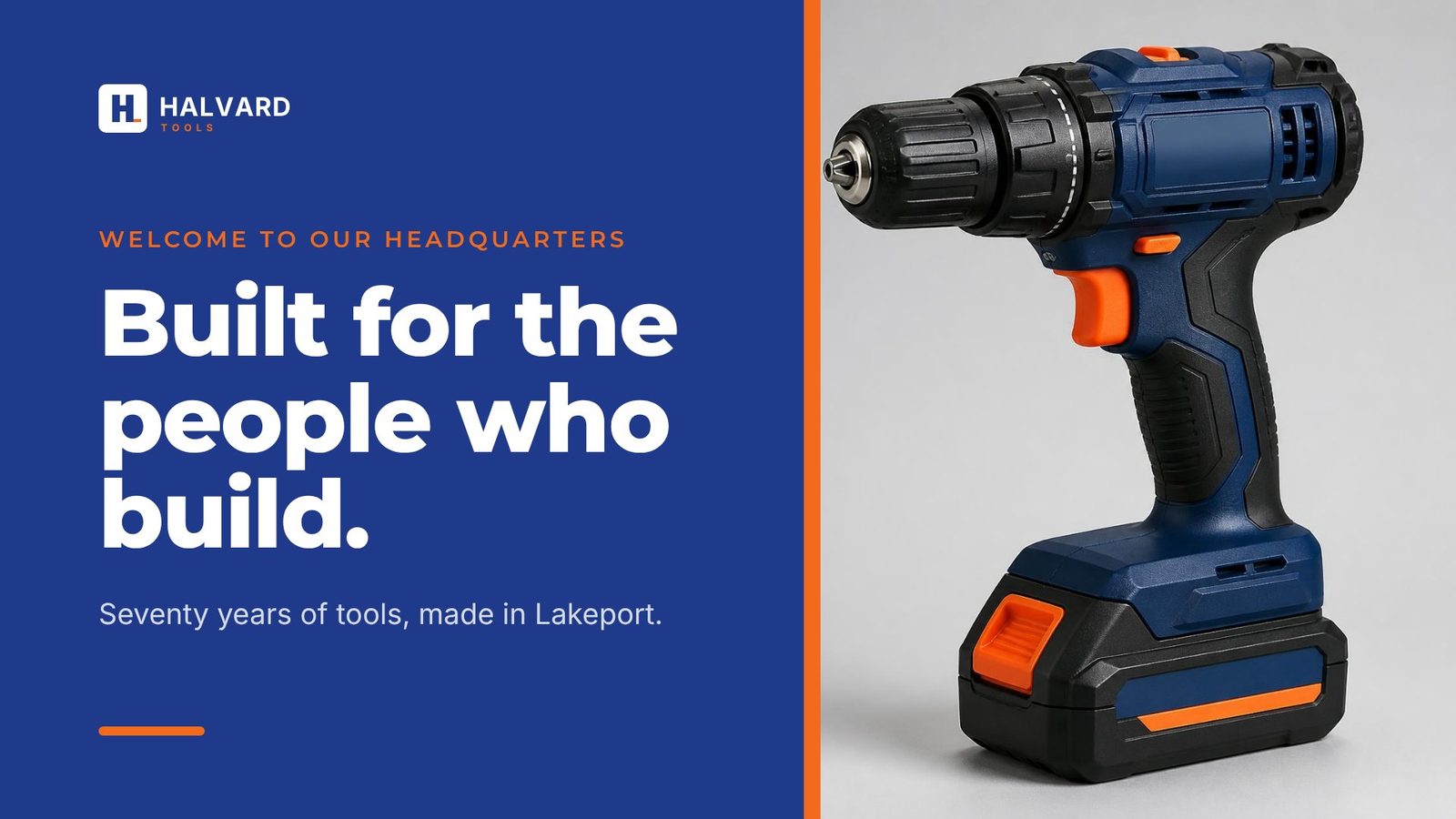
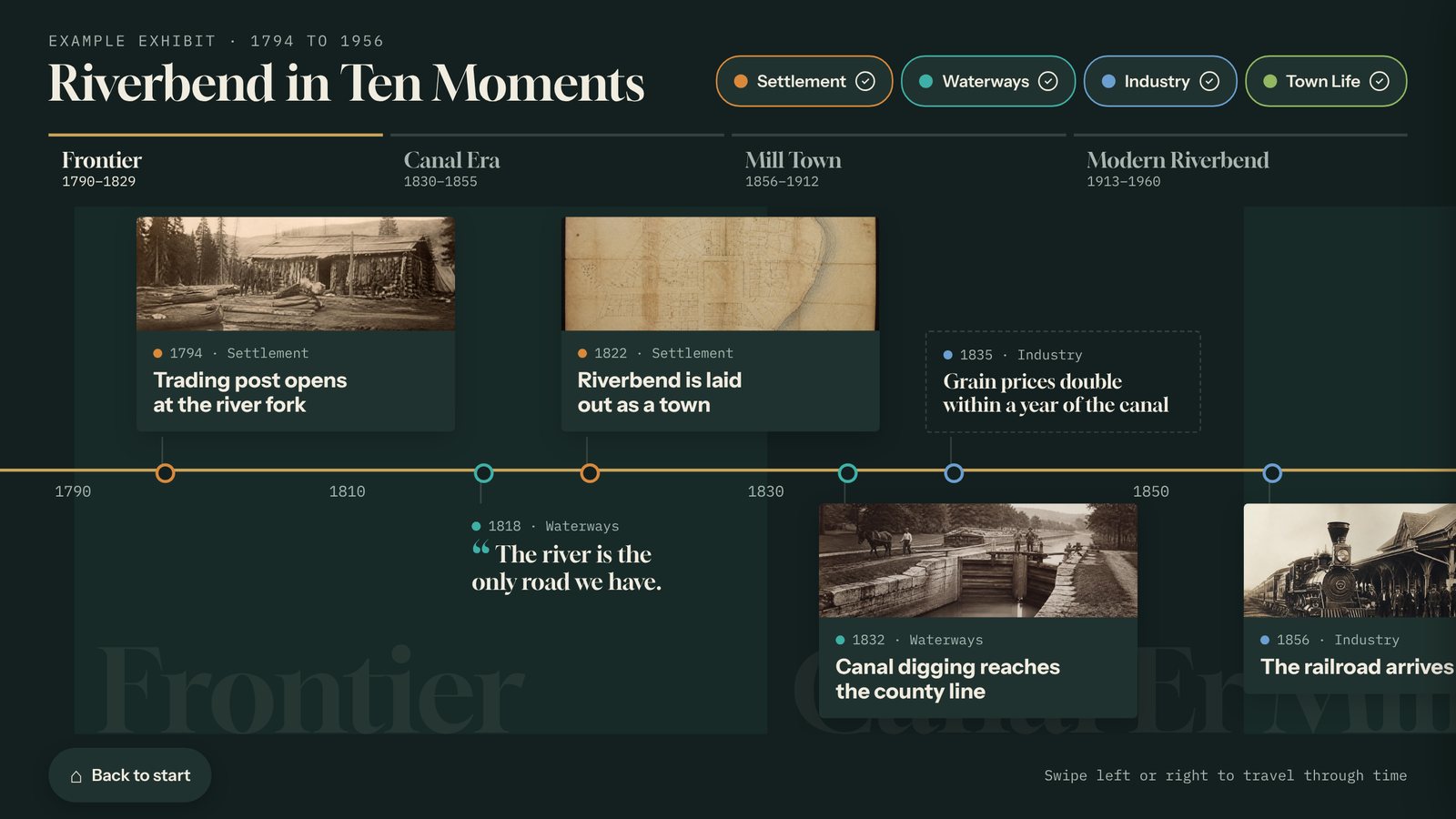
A real screen from a sample interactive built with the Loop template. Yours uses your own content, photos, and brand.
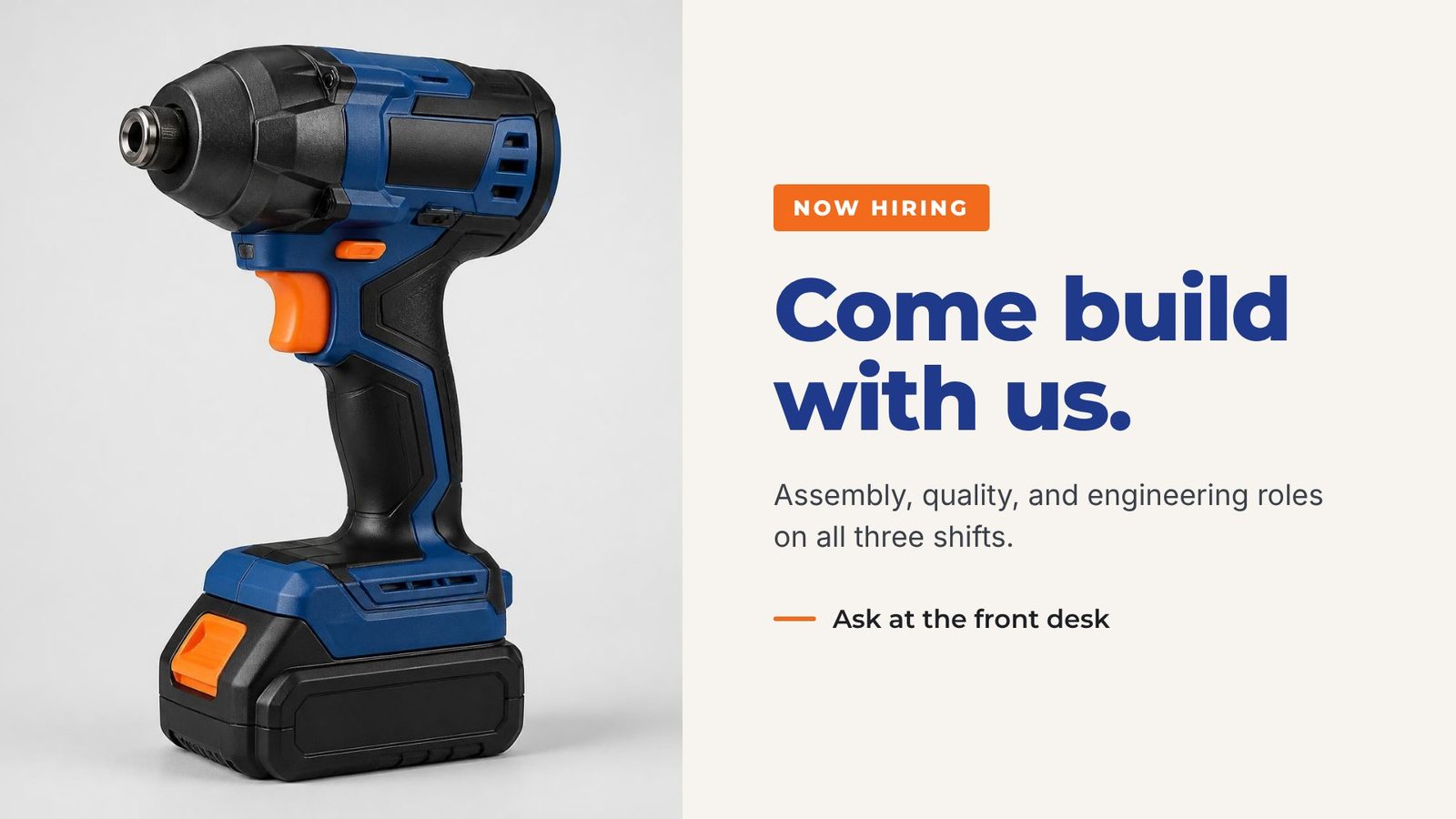
What the Loop template does
- Each content card is one slide, played in order with a fade or a straight cut.
- You set how many seconds each slide stays up. Videos play muted to their end.
- Full-screen slides show a finished picture or MP4, like a Canva export, edge to edge.
- Photo, fact, quote, and short entry cards get ready-made slide layouts in your colors, with your logo in the corner.
- Landscape and portrait screens. Long text shrinks to fit.
- The same content cards can feed your other interactives, so a fact you fix once is fixed everywhere.
Where it works best
- Lobby welcome screens
- Waiting rooms
- Hallway and cafeteria screens
- Announcements and hiring
Made for lobbies and showrooms, schools and universities and museums and visitor centers.
Three steps. No developer.
Start from the example
The Loop template opens with a sample lobby loop, so you can see how slides, timing, and transitions work.
Add your slides
Upload finished slides or videos, or type a photo, fact, or quote card and let Tellcase lay it out in your brand.
Set the timing and publish
Choose the seconds per slide and a fade or cut, preview it, and click Publish. Connected screens update on their own.
Every Tellcase template comes with
Your brand
Your logo, colors, and fonts on every screen, plus large text and reduced motion options.
Runs without internet
Connected kiosks keep playing when the network drops, and offline packages run from a USB stick. How it runs
Landscape or portrait
Fits a wall screen, a touch table, or a standing kiosk, and returns to a welcome screen when visitors walk away.
On your website too
Share any interactive by link or embed it on your site. One update changes the kiosk and the web page.
Unlimited interactives
Every plan includes unlimited interactives. Plans start at $49 a month, or $7,000 once for Lifetime. See pricing
Mac, Windows, or BrightSign
Runs on a Mac mini, a small Windows PC, or a BrightSign player with a touchscreen. Our kiosk setup guide walks through it.
Loop questions
Can visitors touch a Loop?
No. A Loop is made for screens people watch, so it has no welcome screen, no reset timer, and no buttons. For a screen people touch, use Timeline, Story Gallery, or another interactive template.
Can I use slides I made in Canva?
Yes. Export a slide as a picture or an MP4 video and add it as a full-screen slide card. It plays edge to edge, exactly as you designed it.
How long does each slide stay on screen?
You choose, from 4 to 120 seconds. Eight to twelve seconds works for most slides. A video always plays to its end before the next slide.
Does a Loop count as a kiosk?
Each screen that plays Tellcase counts toward your plan’s kiosks, whatever template it shows. Every plan includes unlimited interactives, so a Loop costs nothing extra to build.
Pairs well with
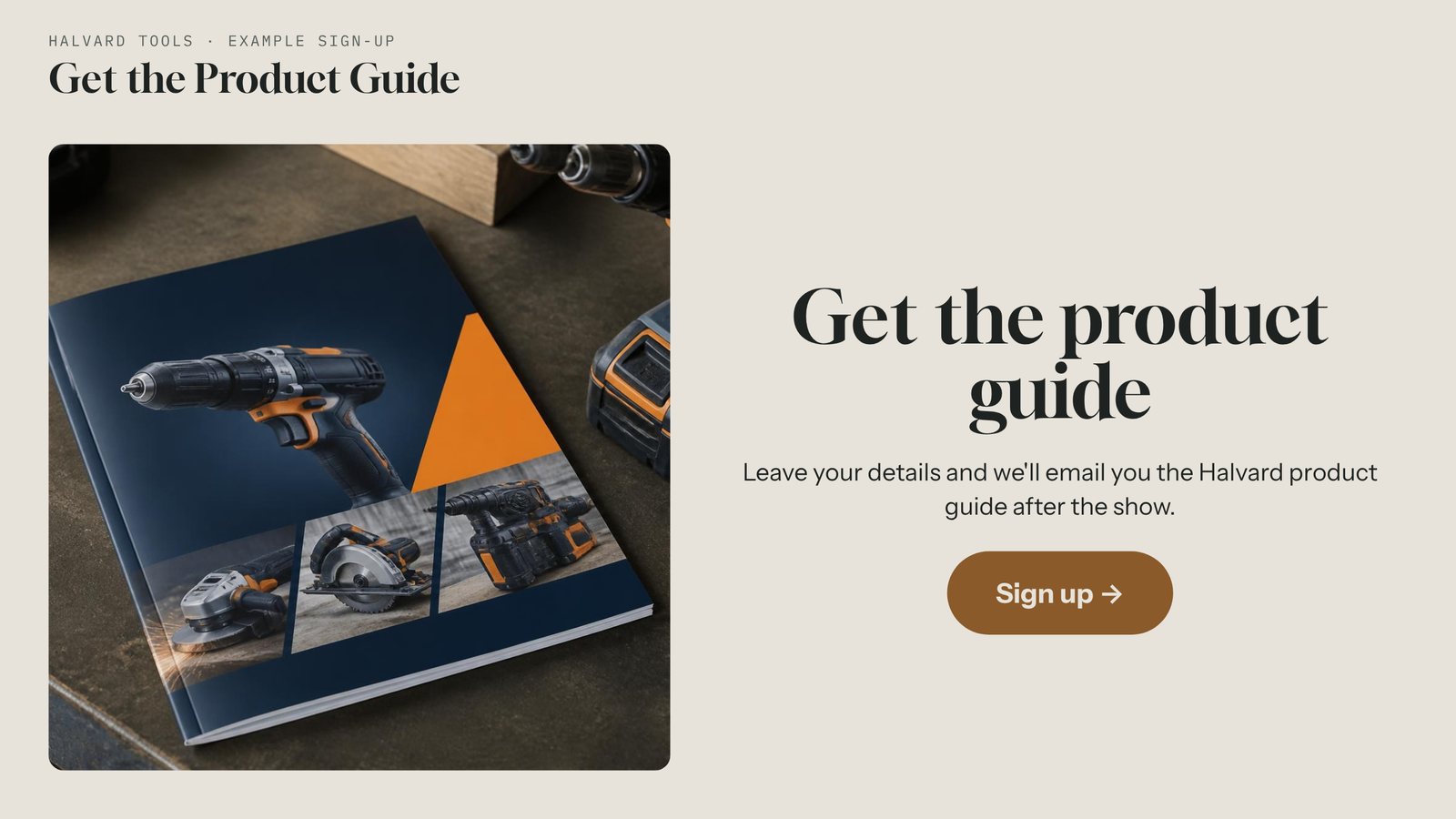
Lead Capture
A touchscreen sign-up kiosk for events, lobbies, and booths. Collect names and emails with a permission checkbox, even offline, then export a spreadsheet.
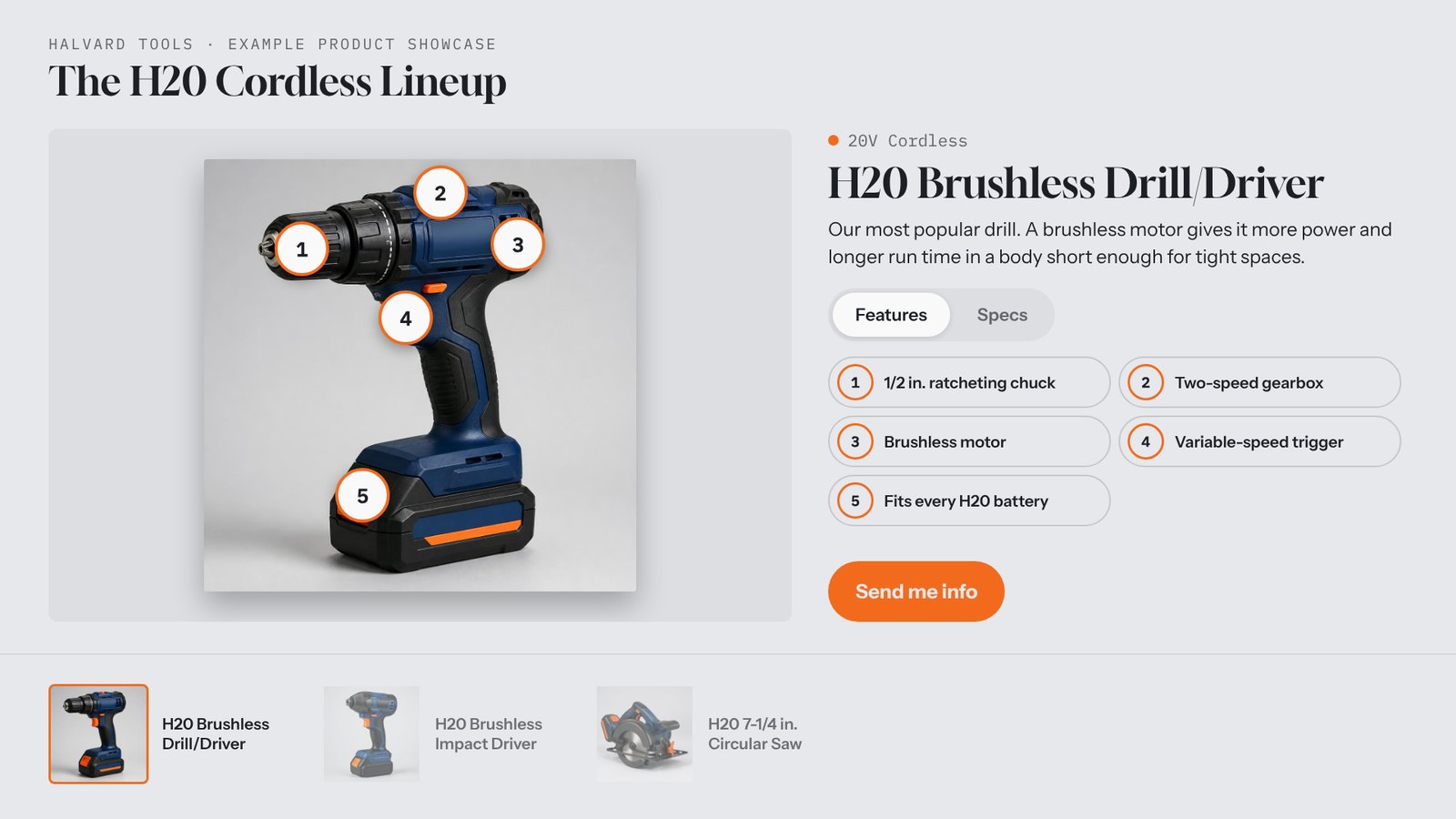
Product Showcase
An interactive product catalog for a booth touch table, showroom, or kiosk, with feature hotspots, specs, video, and a "Send me info" button on every product.
Timeline
Build an interactive touchscreen timeline from your own dates, photos, and stories, with eras and filters. Update it from any browser. Runs offline too.
Build your first loop today.
Start free for 14 days with example content already in place. No card needed.